
1. On the "Personal settings" page, find the "Account security" section. 2. Find the "Password" row and click "Change password" on the right. 3. Follow the prompts on the subsequent screen to complete the change. 4. After the password change is complete, other devices will need to log in again.
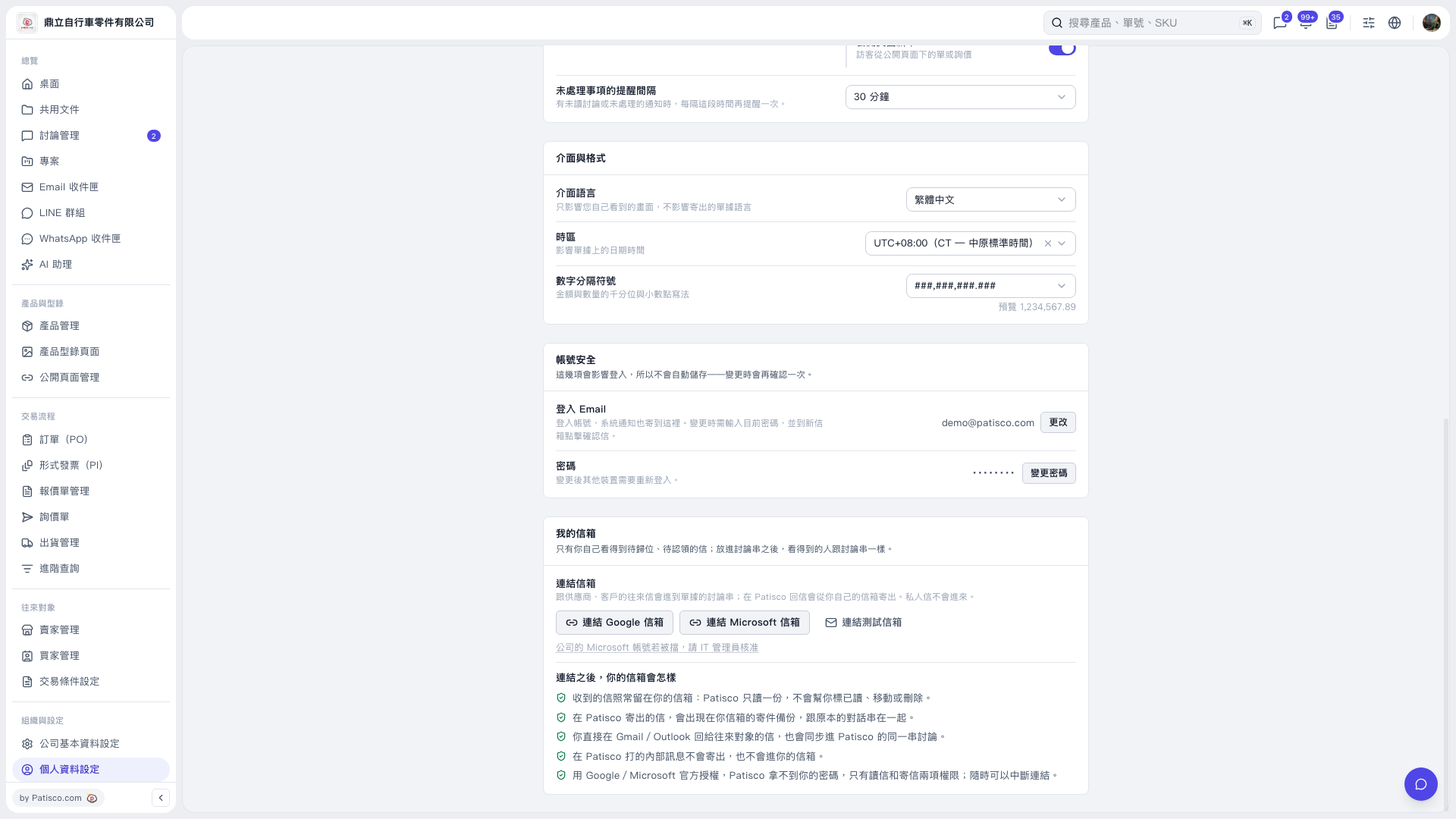 V5 新桌面版|個人資料設定