
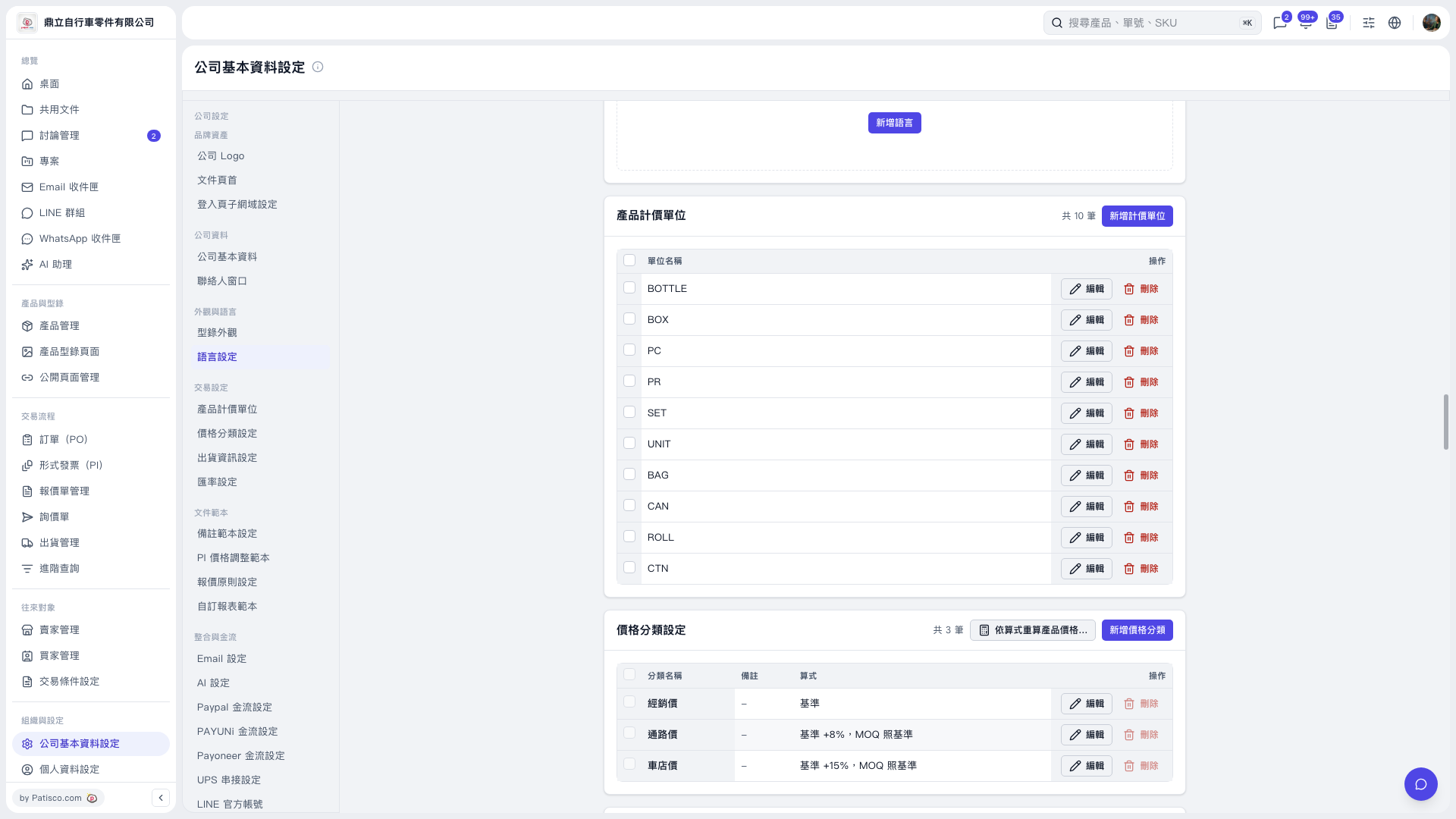
1. In "Company Basic Settings" under the "Price Classification Settings" section, confirm the "Formula" for each classification. When adjustments are needed, click "Edit" on the right side of that classification. 2. Click "Recalculate Product Prices by Formula..." in the top right of the section to start the recalculation, then follow the prompts on subsequent screens. 3. You can ask the AI like this: "I want to use the distributor price as the base and recalculate channel price and dealer price. How does the preview look this time?" 4. The AI will respond: "This demo preview has 64 rows total: add 0, overwrite 0, keep 50, skip 14. Additionally, 5 products cannot read prices and will not be processed this time. Both 'Add Only' and 'Overwrite All' show 'Write 0 rows', and the write button has not been clicked yet."
 V5 新桌面版|公司基本資料設定