
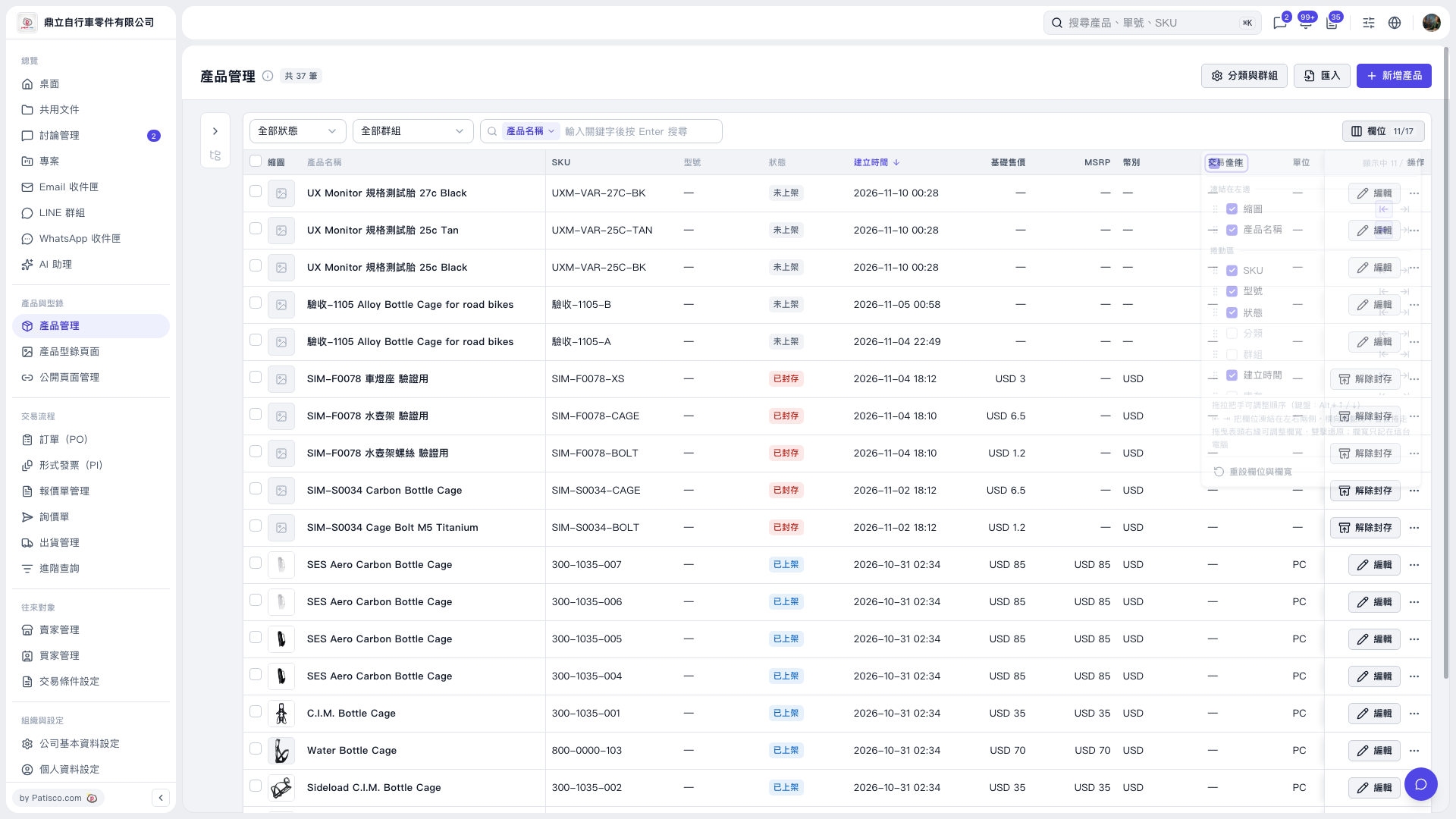
1. In the Product Management list, click "Fields 11/17" at the top right. 2. Check the fields you want to display, or uncheck fields you don't need. 3. Drag the handle next to a field to adjust its order, or use Alt + ↑/↓ as shown. 4. To pin a field to the left or right side of the table, use the left and right arrows to set the freeze position. 5. To restore default field settings, click "Reset Fields and Column Width".
 V5 新桌面版|產品管理