
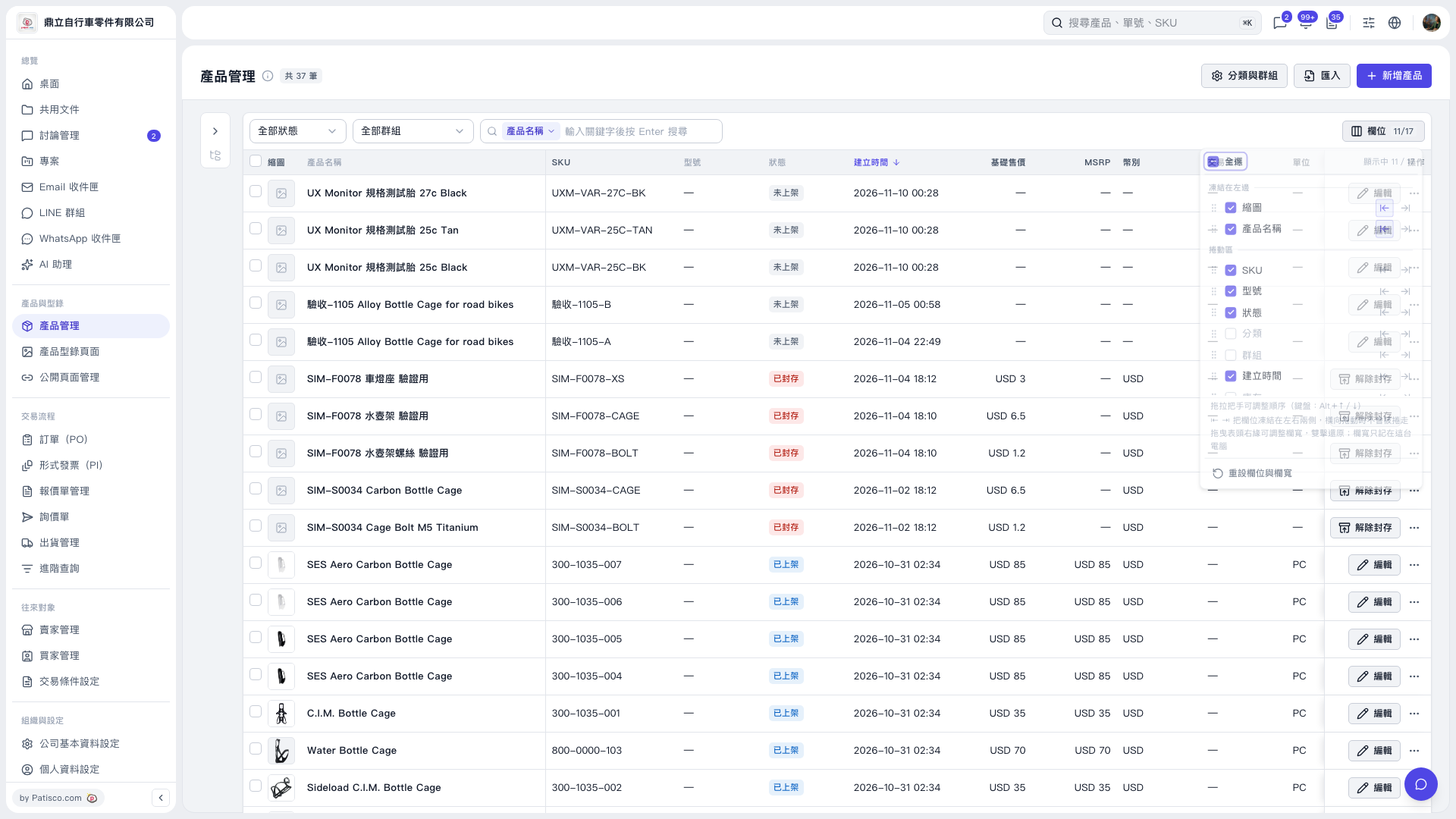
1. Click "Fields 11/17" at the top right of the list to open the field settings panel. 2. Drag the handle on the left side of a field to adjust its order, or use Alt + ↑/↓ as the panel suggests. 3. Use the left and right arrows on the right side of a field to freeze it on the left or right side of the list. 4. Drag the right edge of the column header to adjust column width; double-click to restore default width. 5. To restore default field settings and column width, click "Reset Fields and Column Width" at the bottom of the panel.
 V5 新桌面版|產品管理