
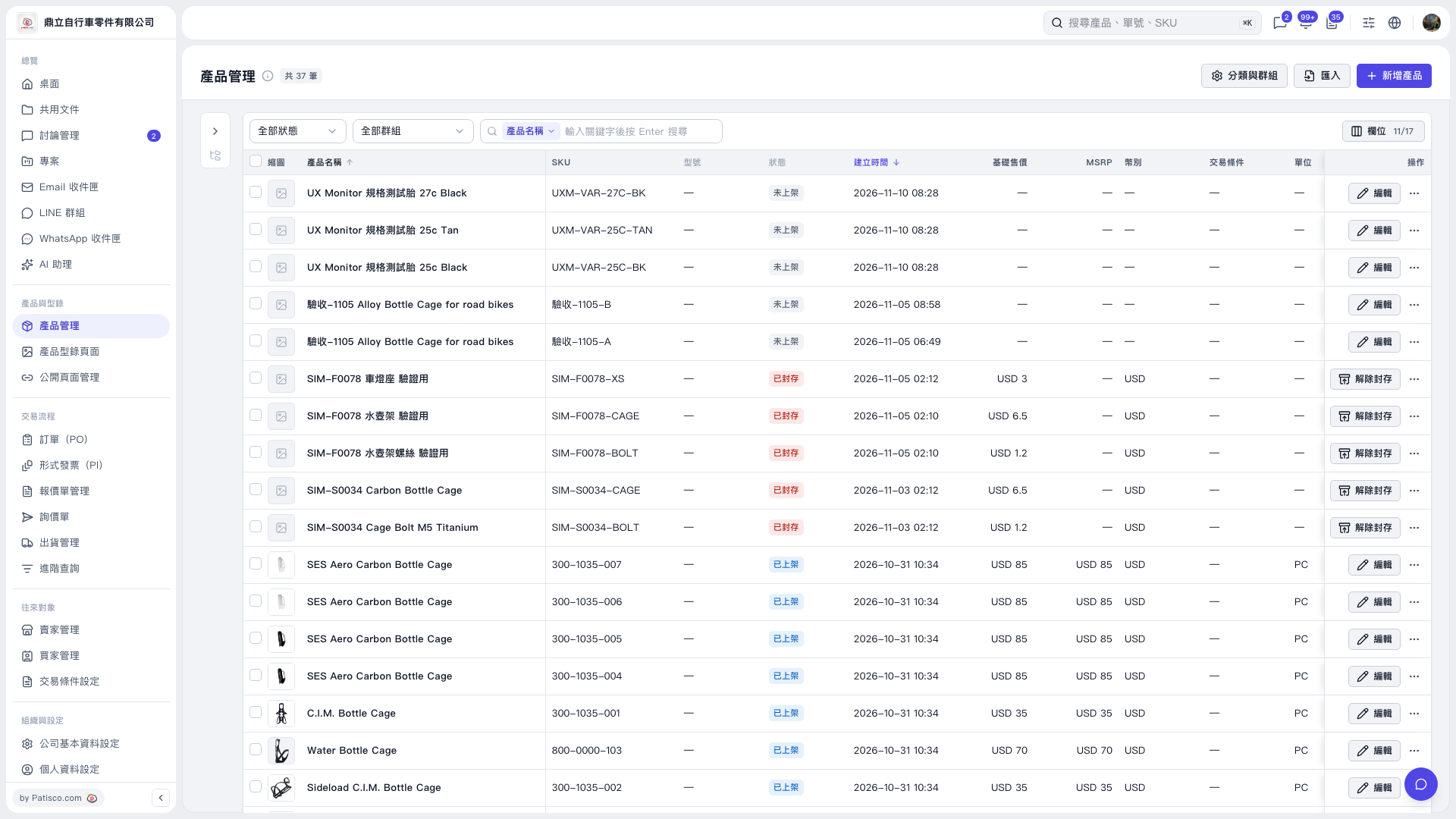
1. In Product Management, check the products you want to process; to select all data, click "Select all N items". 2. Choose "Use Photos from Same Group" and confirm the number of products shown in the dialog. 3. Products without photos will use the photos from the first product with photos in the same group; they share the same file without uploading separately. Products that already have photos will not change. 4. Click "Start" to execute, or click "Cancel" to close the dialog.
 V5 新桌面版|產品管理