
1. First verify whether the HS code is filled in for the shipping items; items without HS code will not print it even if checked. 2. Go to "Shipping Items", click the "Edit..." button for that item row, and fill in the "HS Code Number" and "HS Code Description". 3. Then access "Report" from the dropdown menu and enter "System Native Version", confirming that "Print HS Code" is checked. The three items in this shipping document have not yet been filled with HS codes, so a yellow warning will appear on the screen.
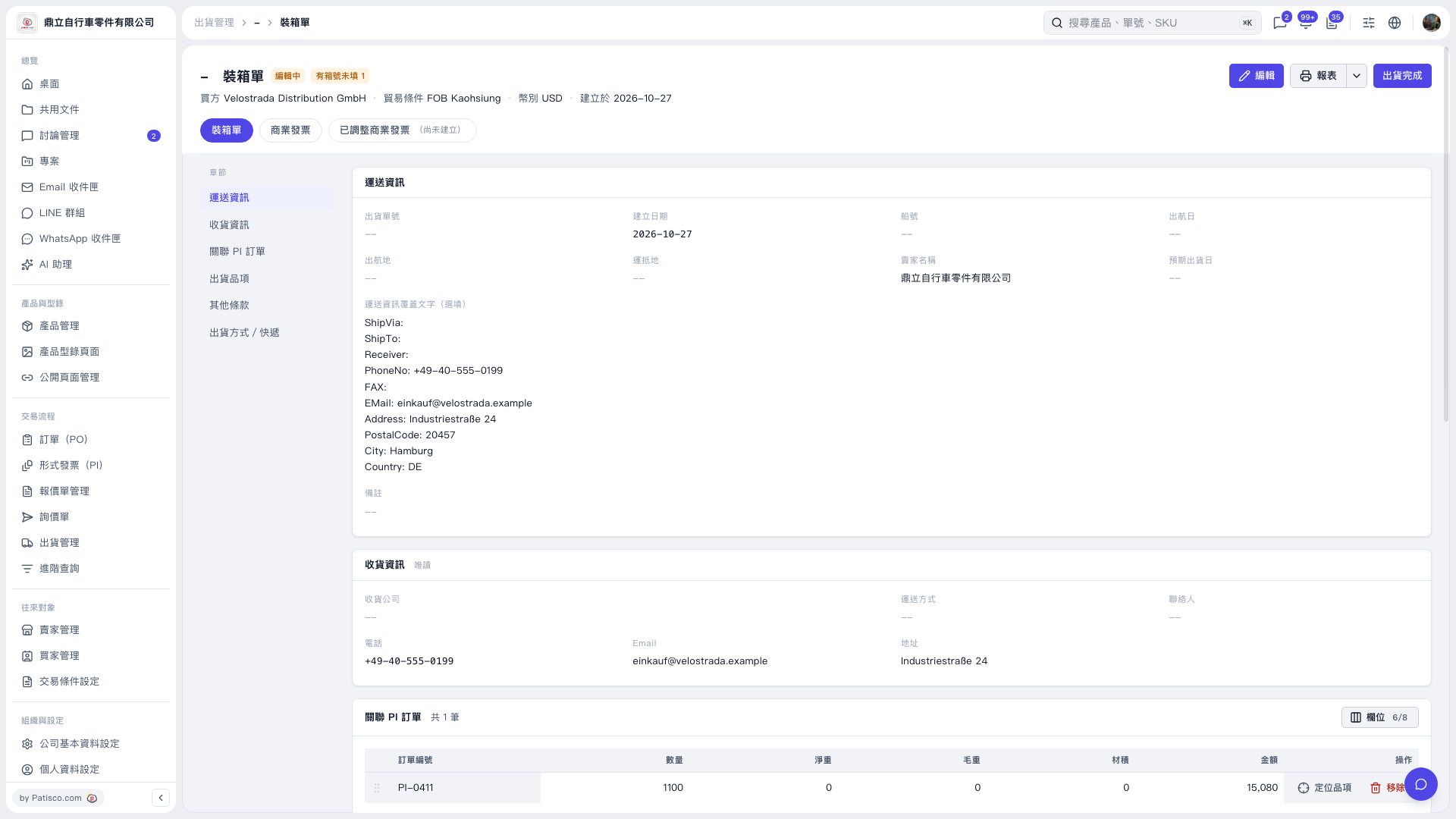 V5 新桌面版|裝箱單