
1. On the commercial invoice page, click "Report" in the top right corner to open the V5 print dialog, and confirm that "Print HS Code" is checked (it is checked by default). 2. If you want to use the system native version, click the dropdown arrow next to "Report" and select "System Native Version", then confirm that "Print HS Code" is checked in the "Generate Report" screen (it is checked by default). 3. Review the report content and then print. The HS code will be printed on the first line of the "Product Name (Product Description)" column for each item and will not add an extra column. Items without HS codes will not display any HS code.
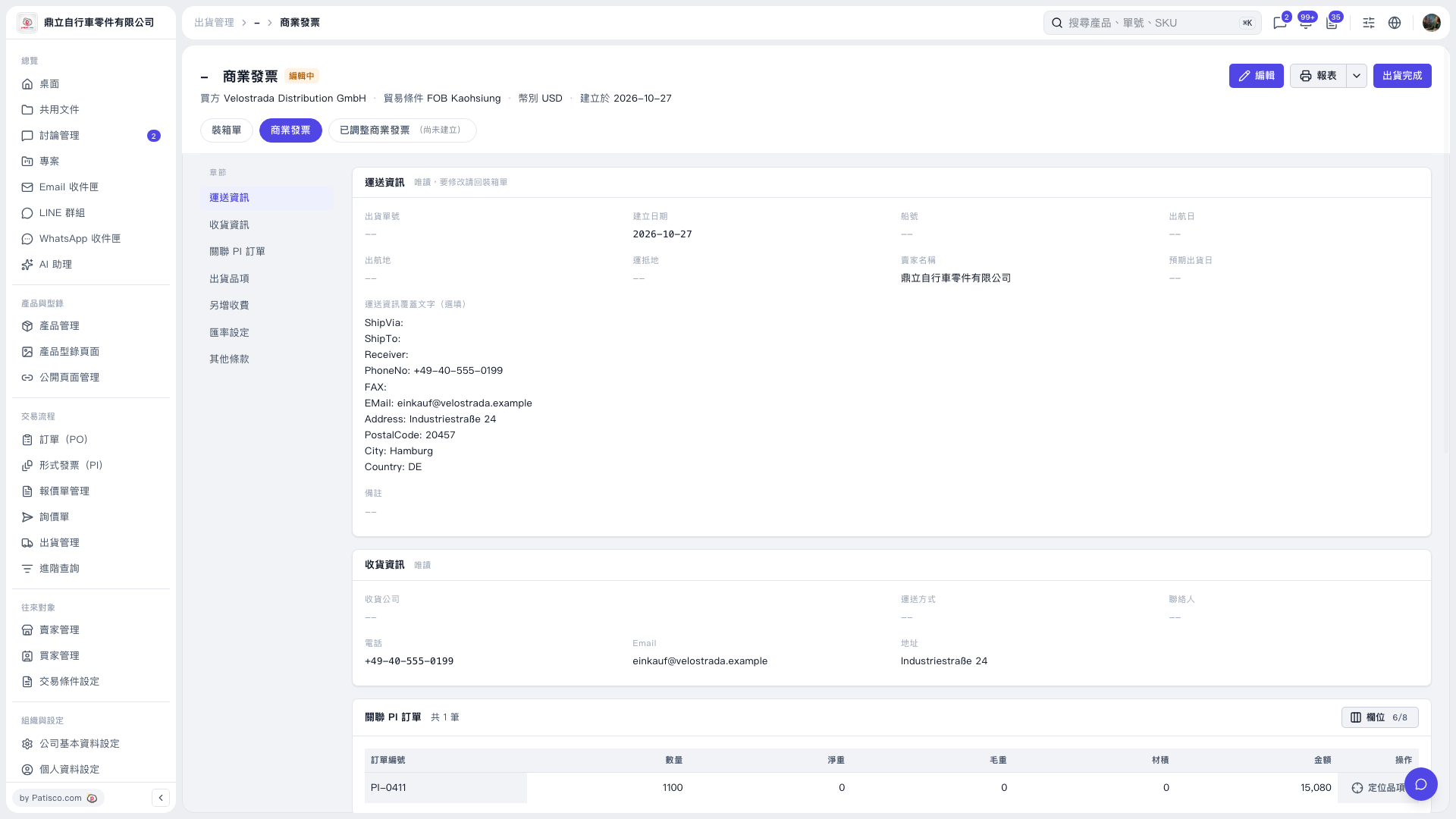 V5 新桌面版|商業發票