
1. Check if the shipment items have HS codes filled in. In this shipment, all 3 items do not have HS codes entered, so even with the option checked, the HS codes will not print, and a yellow warning message will appear on the screen. 2. Go to "Shipment Items", click "Edit..." for the corresponding item row, and fill in the "HS Code" and "HS Code Product Name". 3. Open the "Report" again and confirm that "Print HS Code" is checked. If using "System Native Version", confirm that "Print HS Code" is checked and review the report content.
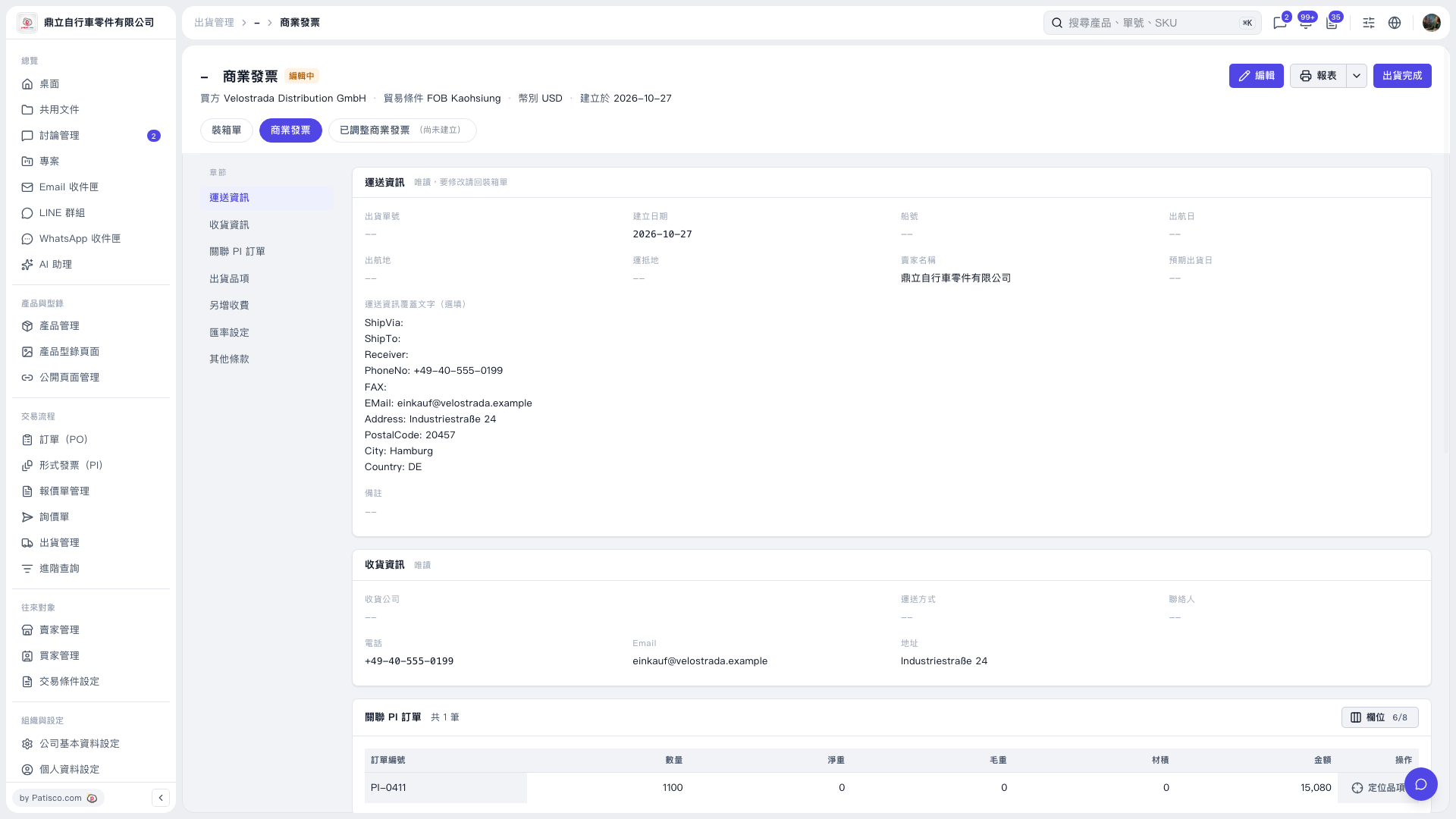 V5 新桌面版|商業發票