
1. Open the Proforma Invoice you want to modify and click "Edit" in the top right corner to modify the shipment information. 2. Pay attention to the character limit hints when entering data: shipping method has a maximum of 20 characters, consignee (company) 40 characters, contact person and destination (port) 50 characters each, address 200 characters, city 40 characters, postal code 10 characters, phone and fax 30 characters each, email and payment method (remarks) 50 characters each. 3. After confirming the data, click "Submit" in the top right corner.
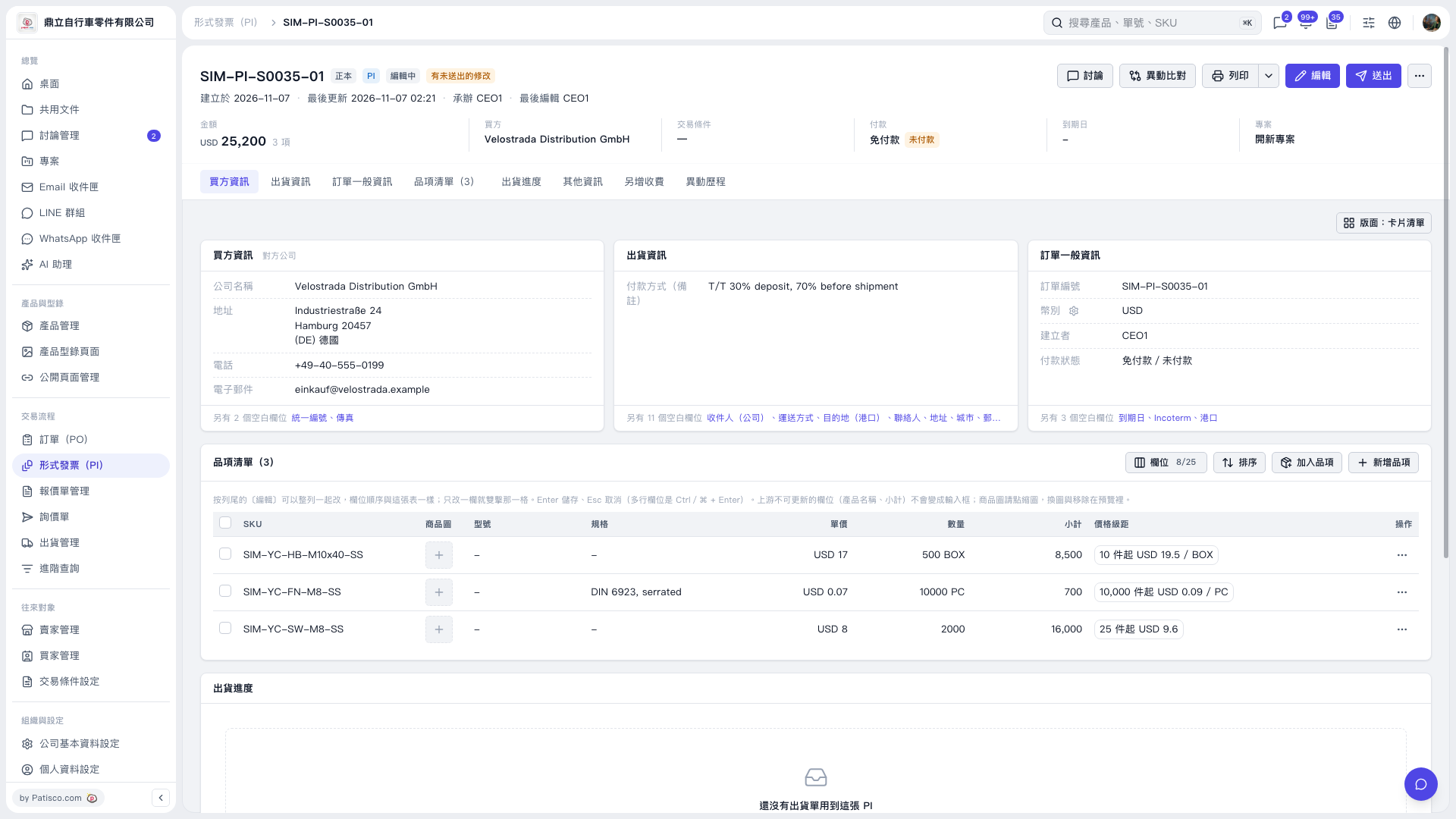 V5 新桌面版|形式發票 SIM–PI–S0035–01