
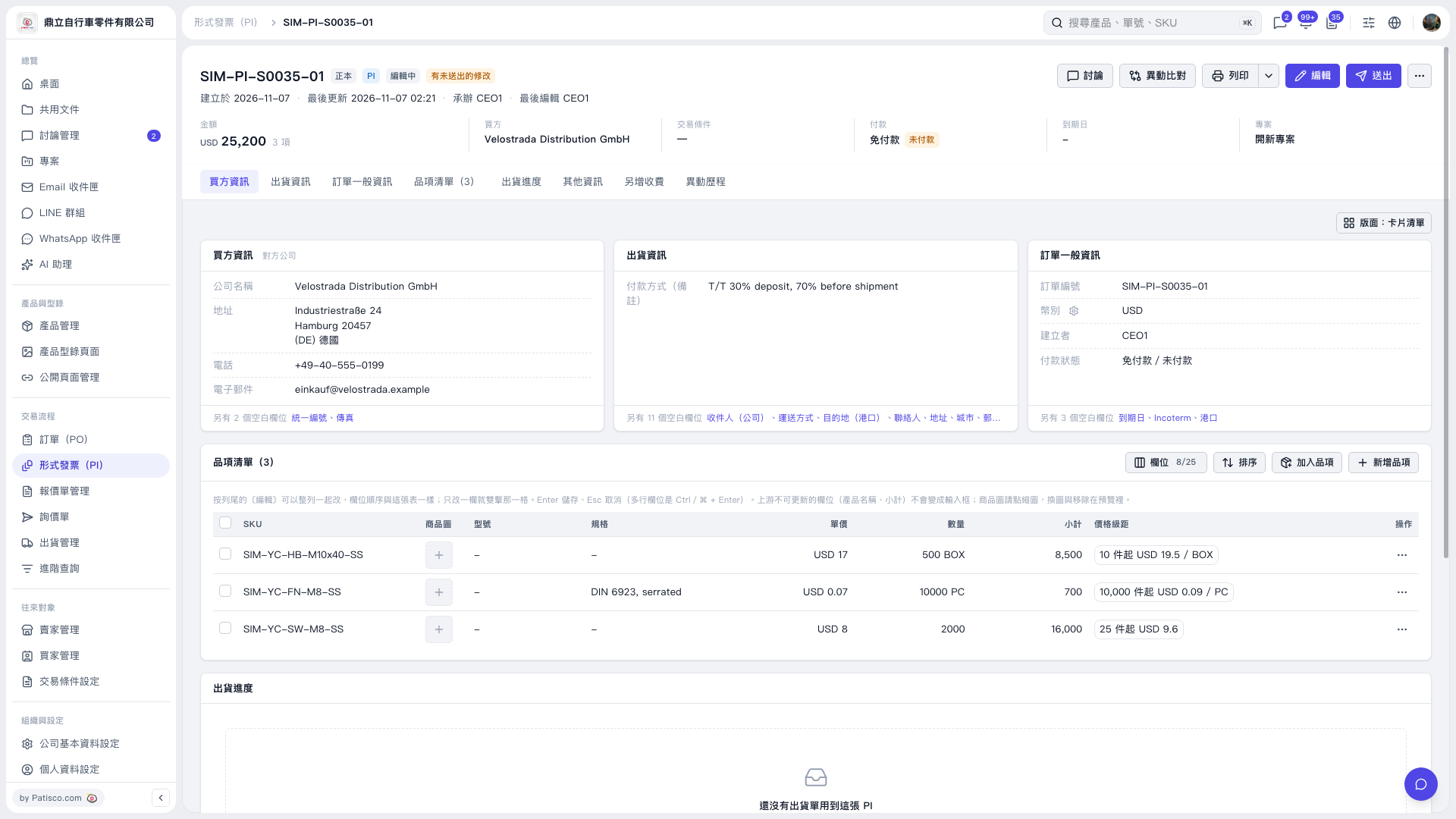
1. Open the Proforma Invoice, click "Shipment Information" at the top, and check "Payment Method (Remarks)". 2. Click "Edit" in the top right corner, find "Payment Method (Remarks)" and modify it. You can enter up to 50 characters maximum. 3. Click "Save". If you enter 51 characters, the screen will display "51/50" and prompt "Maximum 50 characters" when saving; you need to shorten the content to save. If you don't want to keep the changes, you can click "Discard Changes". 4. After confirming that the payment method and other data are correct, click "Submit" in the top right corner.
 V5 新桌面版|SIM–PI–S0035–01