
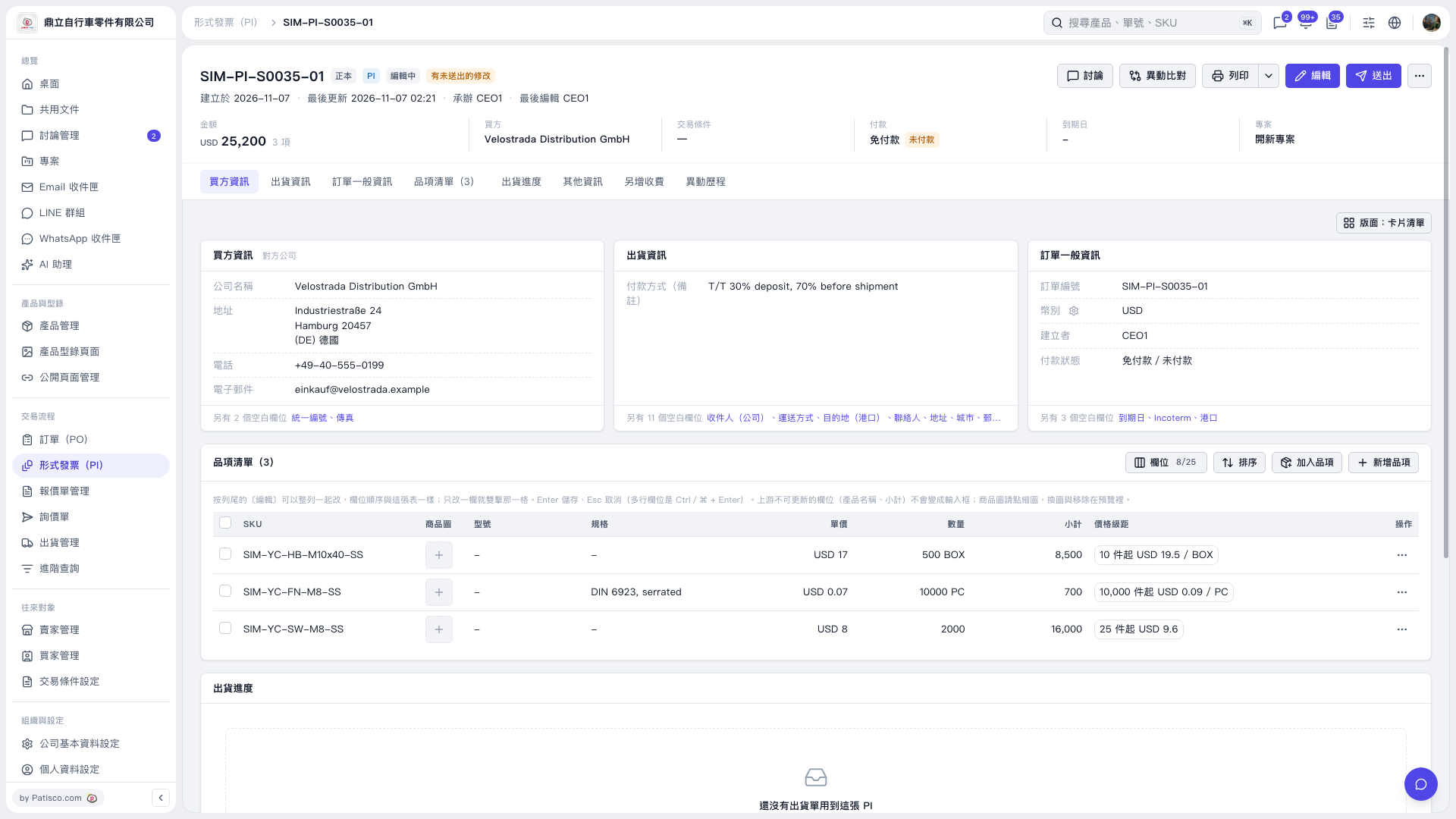
1. In the Proforma Invoice, locate the 'Shipping Information' card in the center and click 'Shipping Method' at the bottom. To enter edit mode, click 'Edit' in the top right corner. 2. Enter the shipping method. The limit is 20 characters. If you enter 21 characters, it will display '21/20'. Clicking 'Save' will show a message 'Maximum 20 characters' and the entry cannot be saved. 3. Adjust the content to 20 characters or fewer, then click 'Save'. 4. After confirming the shipping information and changes, click 'Submit' in the top right corner.
 V5 新桌面版|SIM–PI–S0035–01