
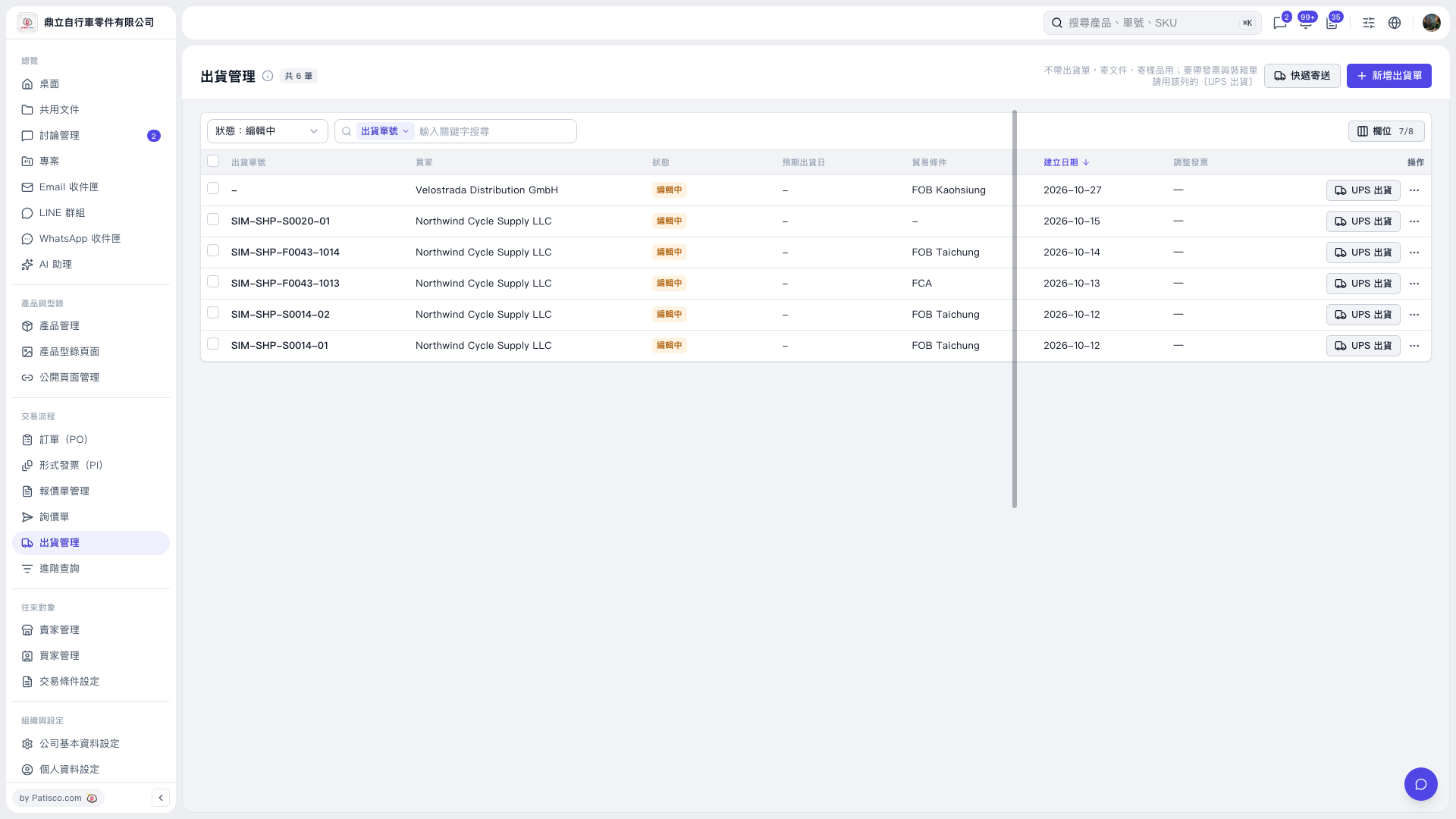
1. In 'Shipping Management', find the target shipping document, verify the shipping document number, buyer, and trading condition, then click 'UPS Shipment' on the right side of that row. 2. If a message appears saying 'UPS accepts English only: Please convert Chinese to English (pinyin is acceptable) before submitting', follow the instructions to modify the corresponding fields. For example, change '王' to English or pinyin in 'Recipient › Contact Person (English)', and change '台、中' to English city names in 'Pickup Location (Sender) › City'. 3. After making the changes, submit again.
 V5 新桌面版|出貨管理