
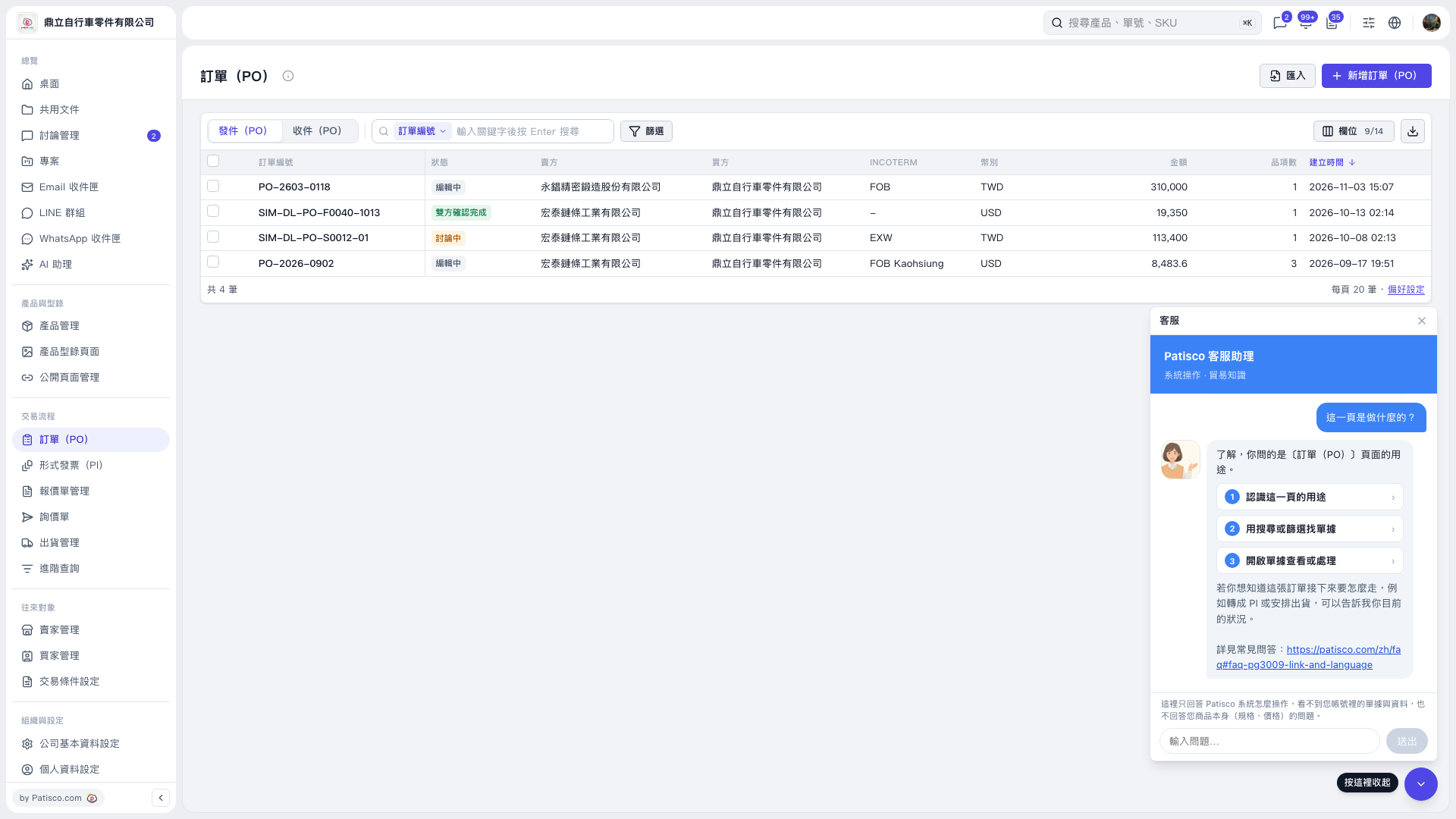
1. At the top left of the PO page, select Sent (PO) or Received (PO). 2. In the search bar, select a search field, such as PO Number, enter a keyword, and press Enter. To narrow the results, click Filter. 3. Click the PO number link in the list to open the PO for viewing or processing. 4. You can ask the AI assistant: “What can I do on the PO page?” The AI assistant will respond: “On this page, you can use search or filters to find documents, then open them for viewing or processing.”
 V5 新桌面版|訂單(PO)