
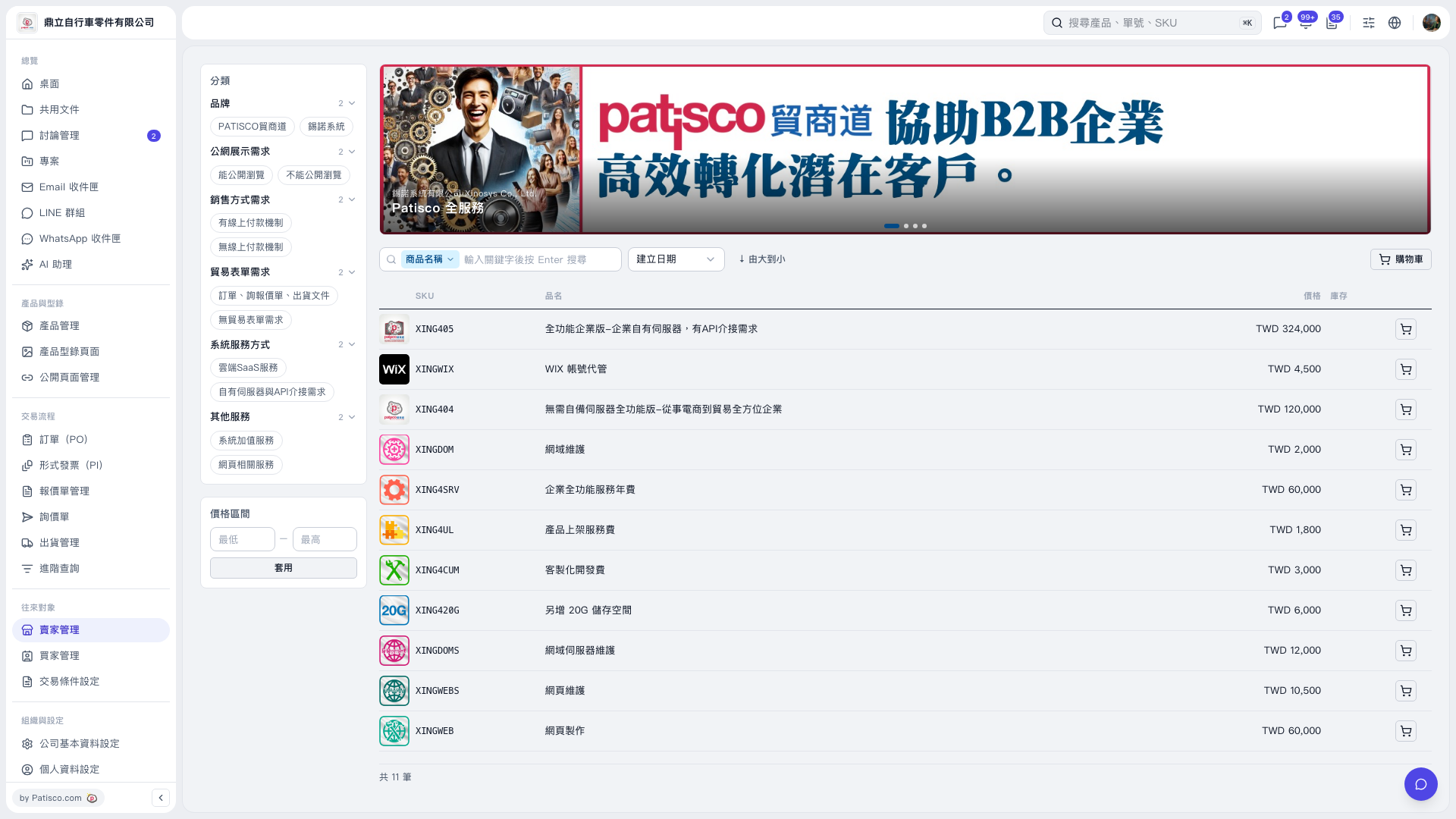
1. Find the product you want to add in the product list. You can check its SKU, product name, price, and stock. 2. Click the cart icon at the far right of that row to add the product to the cart. 3. Click “Cart” at the upper right of the product list to view the products you have added.
 V5 新桌面版|產品型錄(Patisco 全服務)