
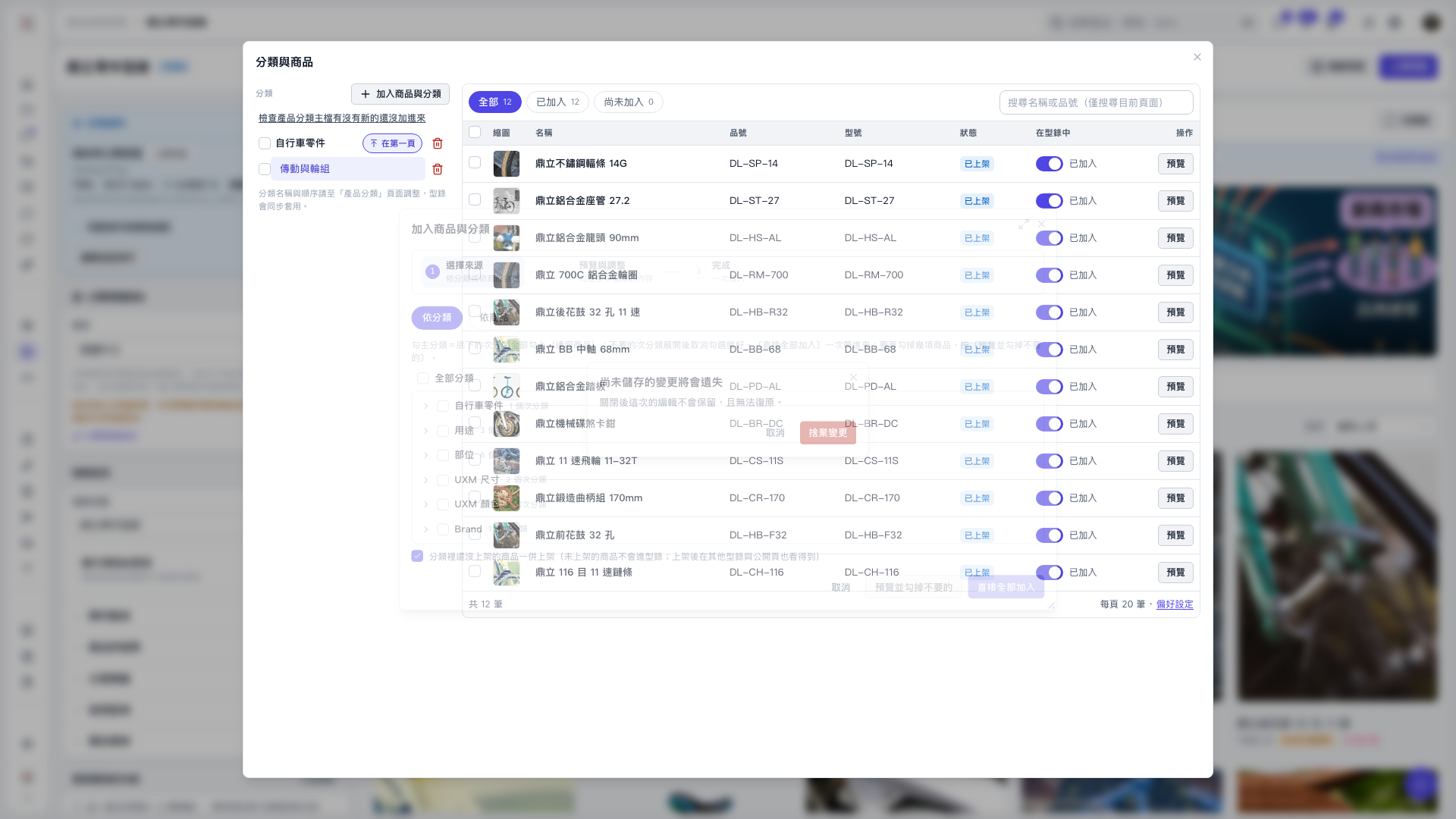
1. Click “Add products and categories”, select “By category” or “By product”, and check the sources you want to add. 2. Confirm that the setting for “Also publish unpublished products in the categories” meets your needs, then click “Preview and uncheck unwanted items”. 3. All categories and products in the preview are selected by default. Uncheck the items you do not want to add. 4. Click “Confirm addition” to add the items to the catalog. Simply unchecking items does not submit the selection. 5. If an unsaved changes prompt appears when closing, click “Cancel” to continue editing. Clicking “Discard changes” discards the current edits and cannot be undone. 6. You can ask the AI assistant: “I have unchecked the unwanted products in the preview. Have the products been added?” The AI assistant will reply: “Not yet. After adjusting the selection, click ‘Confirm addition’ to add the products to the catalog.”
 V5 新桌面版|分類與商品