
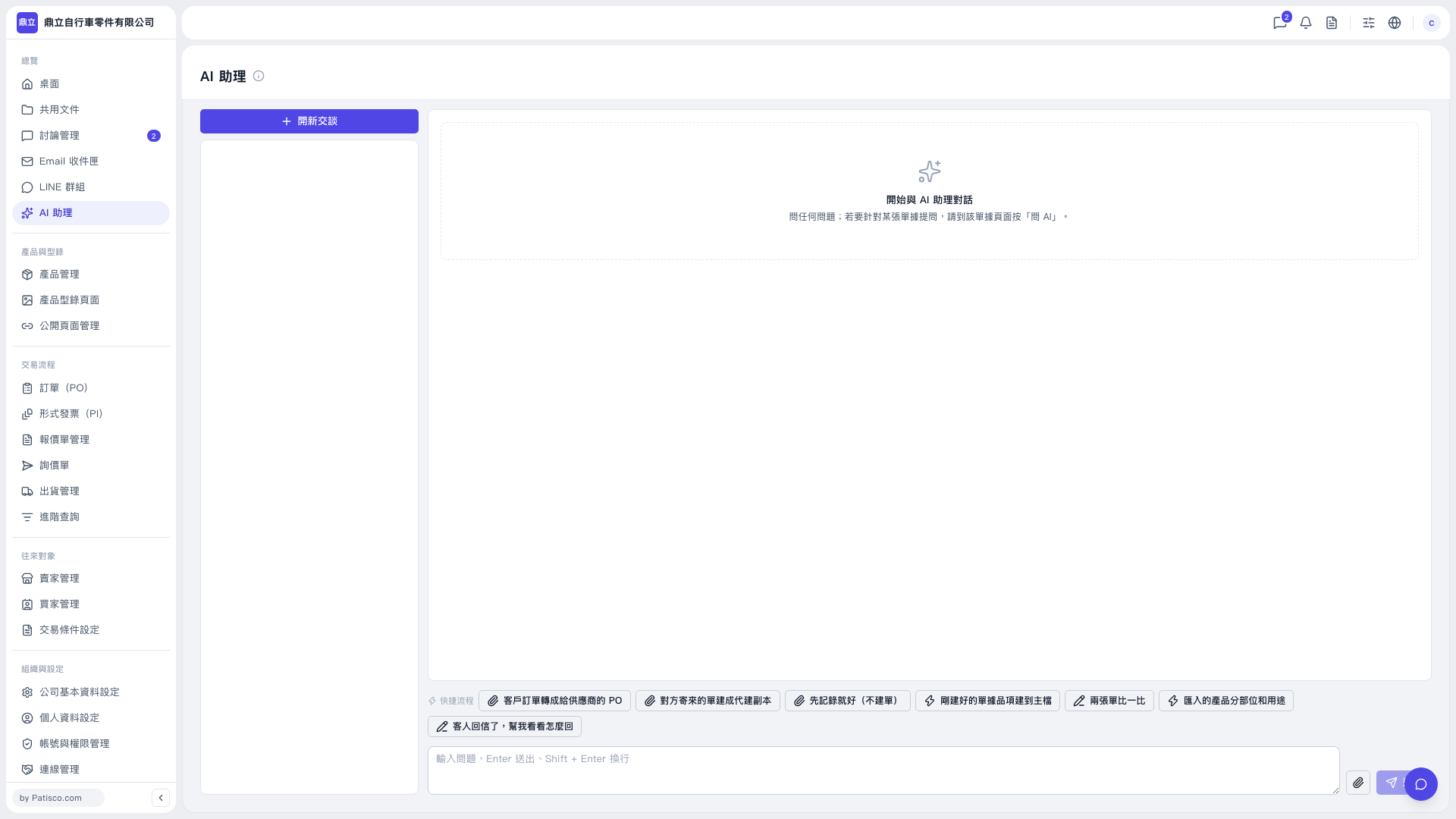
1. Go to the “AI assistant” page and click “New Conversation” above the conversation area on the left. 2. Enter your question in the question input box at the bottom. You can also click “Quick Workflows” above the input box to select a preset task. 3. To provide a file, click the paperclip icon on the right side of the input box to add an attachment. 4. Press Enter or click the paper airplane icon to send. Press Shift + Enter to insert a line break.
 V5 新桌面版|AI 助理