
1. In “AI Settings”, select a provider and model, and enter the API Key. 2. Click “Update Settings”. The provider and model must be saved together. Saving also enables AI. 3. Click “Test Connection” and wait a few seconds. The test uses the saved settings. Changes made before clicking “Update Settings” will not be tested. 4. You can ask: “I just changed the model. Can I click ‘Test Connection’ directly to test the new model?” The AI will respond: “Please click ‘Update Settings’ first, because ‘Test Connection’ uses the saved settings.”
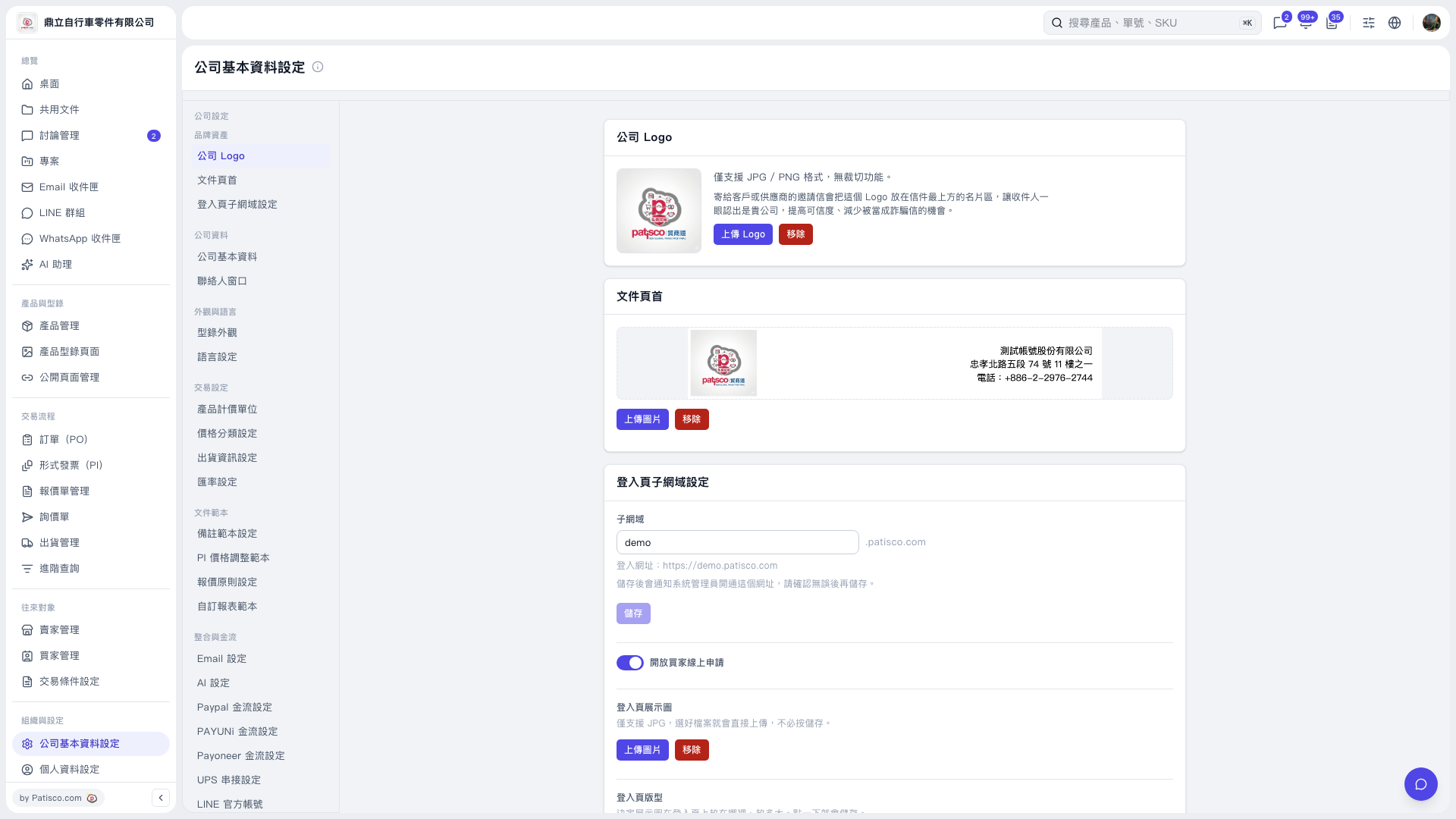 V5 新桌面版|公司基本資料設定