
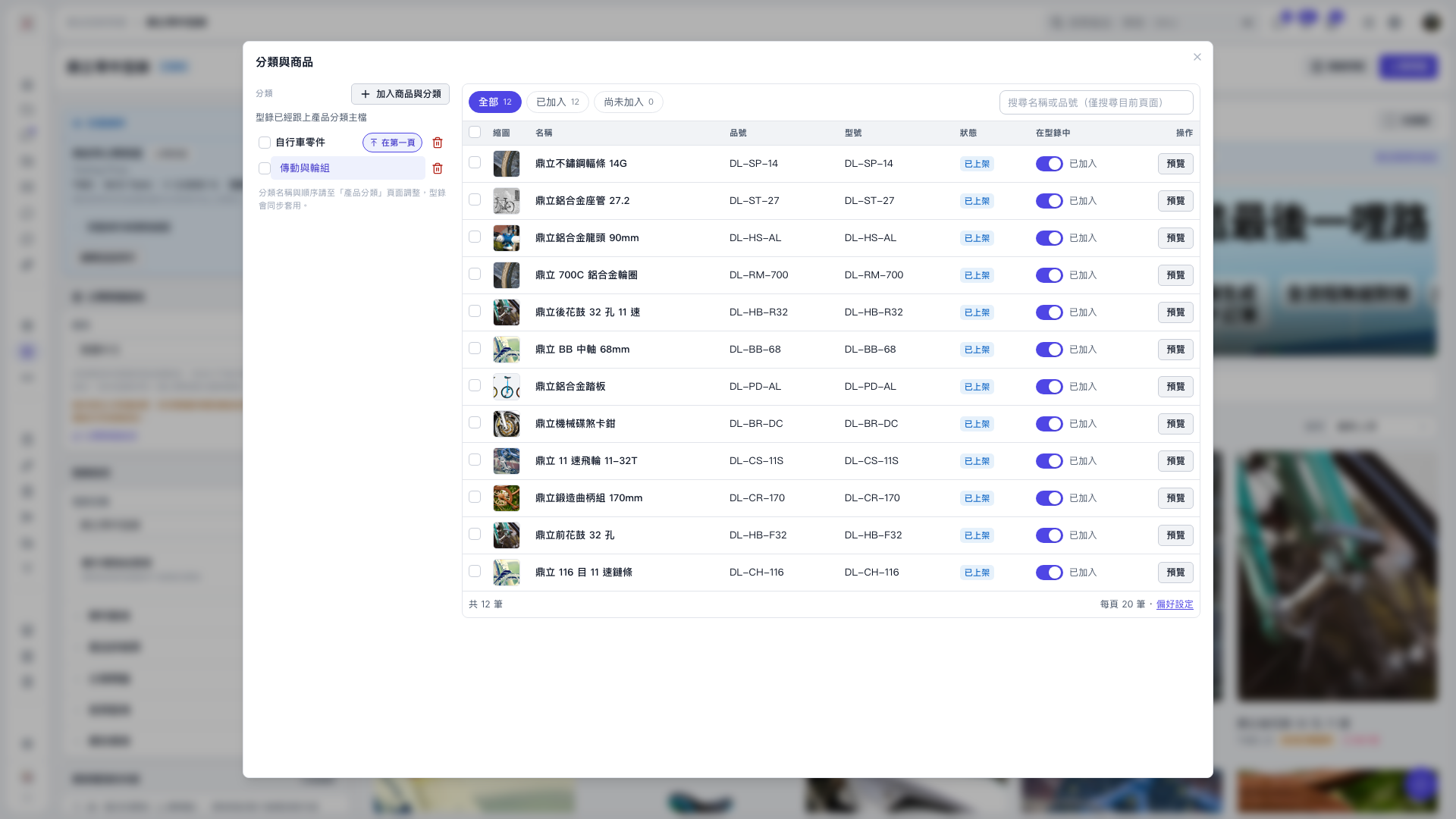
1. Select a category on the left side of the “Categories and products” window, such as “Drivetrain and wheelsets”. 2. Click “All”, “Added”, or “Not added” to filter products. You can also use “Search by name or item number (current page only)” to find a product. 3. Review the product information. To view its content, click “Preview” in that row. 4. Use the “In catalog” toggle in the product row to change whether the product is included in this catalog. 5. When finished, click “×” in the upper-right corner to close the window.
 V5 新桌面版|分類與商品