
1. First, prepare search criteria saved under "My Searches". The current screen does not show an option for saving criteria. 2. Click "Venn Diagram" in the view switcher at the top. 3. Follow the instructions on the page to compare "Current Criteria" with one saved search, or compare two saved searches, and view their intersection, union, and difference. 4. To make this view the default, click "Set as Default" at the top right of the content area.
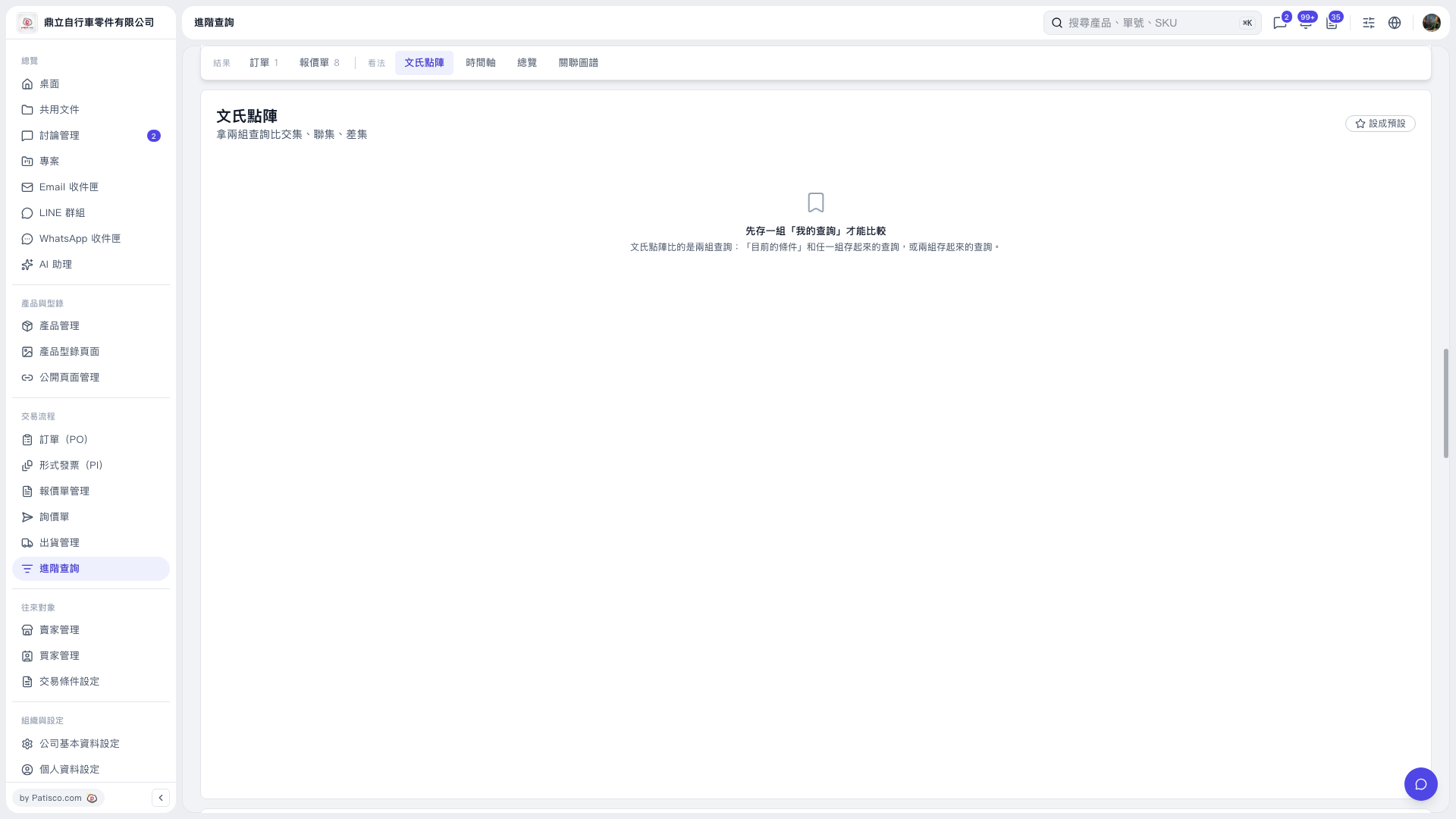 V5 新桌面版|文氏點陣