
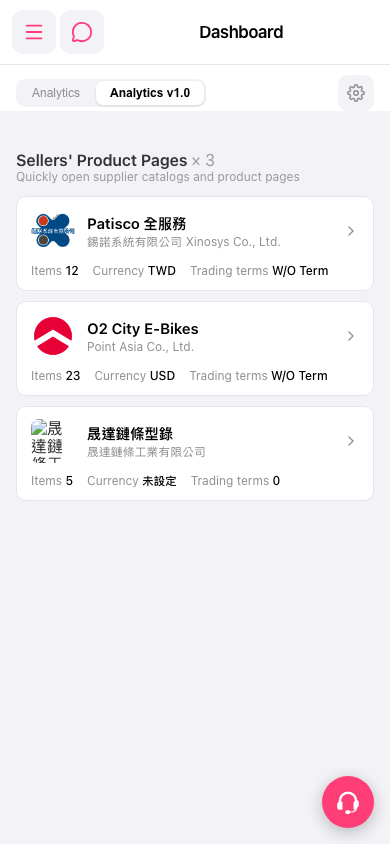
1. In the “Sellers' Product Pages” list on the Dashboard, find the supplier you want to view. 2. Check the company name, “Items” (product count), “Currency,” and “Trading terms” on the card to confirm that it is the supplier you are looking for. 3. Tap the supplier’s card or the arrow on the right to open its catalog and product page.
 手機版|Dashboard