
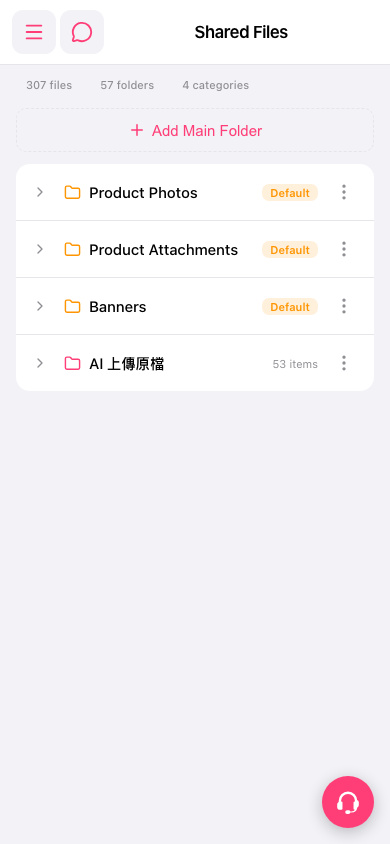
1. On the “Shared Files” page, find the folder you want to view. 2. Tap the folder name or the arrow on the left to view its contents or expand its subitems. 3. To manage the folder, tap “More options” (three-dot icon) on the right side of that row to view the available actions.
 手機版|Shared Files