
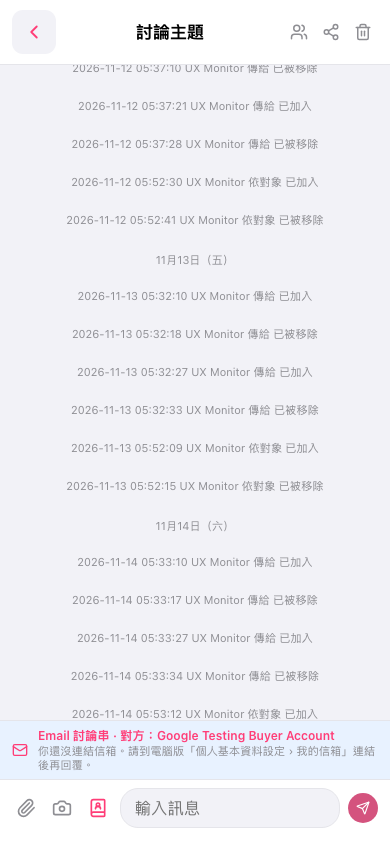
1. Enter your message in the “Enter a message” field at the bottom of the “Discussion Topic” page. 2. To add supporting information, tap “Attachment” (paperclip icon), “Camera” (camera icon), or “Contact” (business card icon). 3. Tap “Send” (paper airplane icon) in the lower-right corner to send the message.
 手機版|討論主題