
1. On the “PO” page, click “Sent (PO)” to view POs issued by your company, or click “Received (PO)” to view POs you have received. 2. To find a specific PO, enter a keyword in the “PO Number” search field and press Enter. You can also click “Filter” to set search criteria. 3. Check the PO number, status, seller, buyer, currency, and amount in the list. 4. You can ask the AI: “What is the difference between Sent and Received on this page?” The AI will reply: “Sent shows POs issued by your company. Received shows copies of POs issued to your company by the other party.”
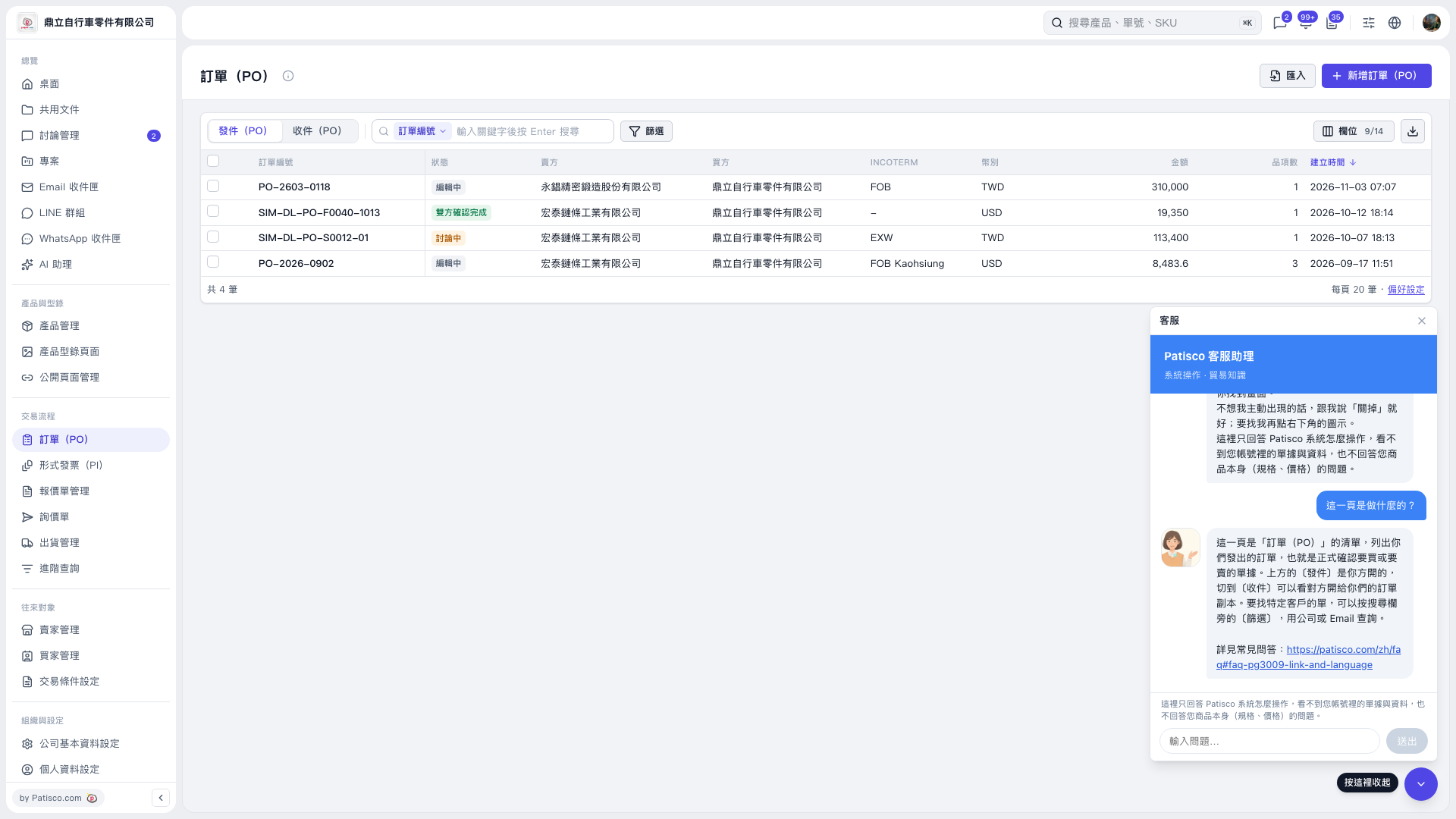 V5 新桌面版|訂單(PO)