
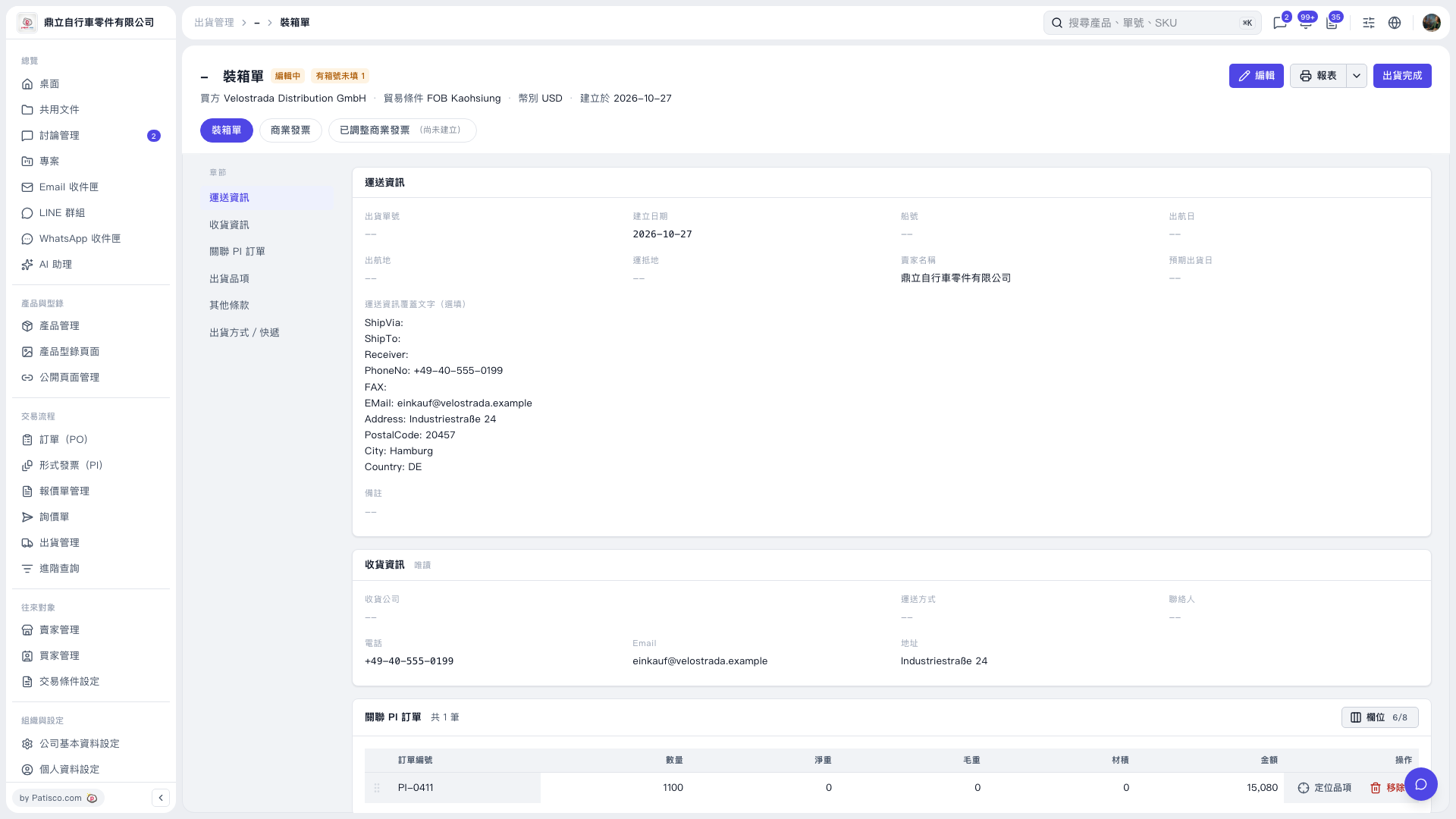
1. On the “Packing List” page, click “Edit” in the upper-right corner. 2. Check the shipment items and fill in the missing carton numbers. The carton number fields are not visible in the current view, so you need to open the edit screen to see them. 3. After completing and saving your edits, return to the packing list, check the data, and confirm whether the “Some carton numbers are missing” message has cleared.
 V5 新桌面版|裝箱單