
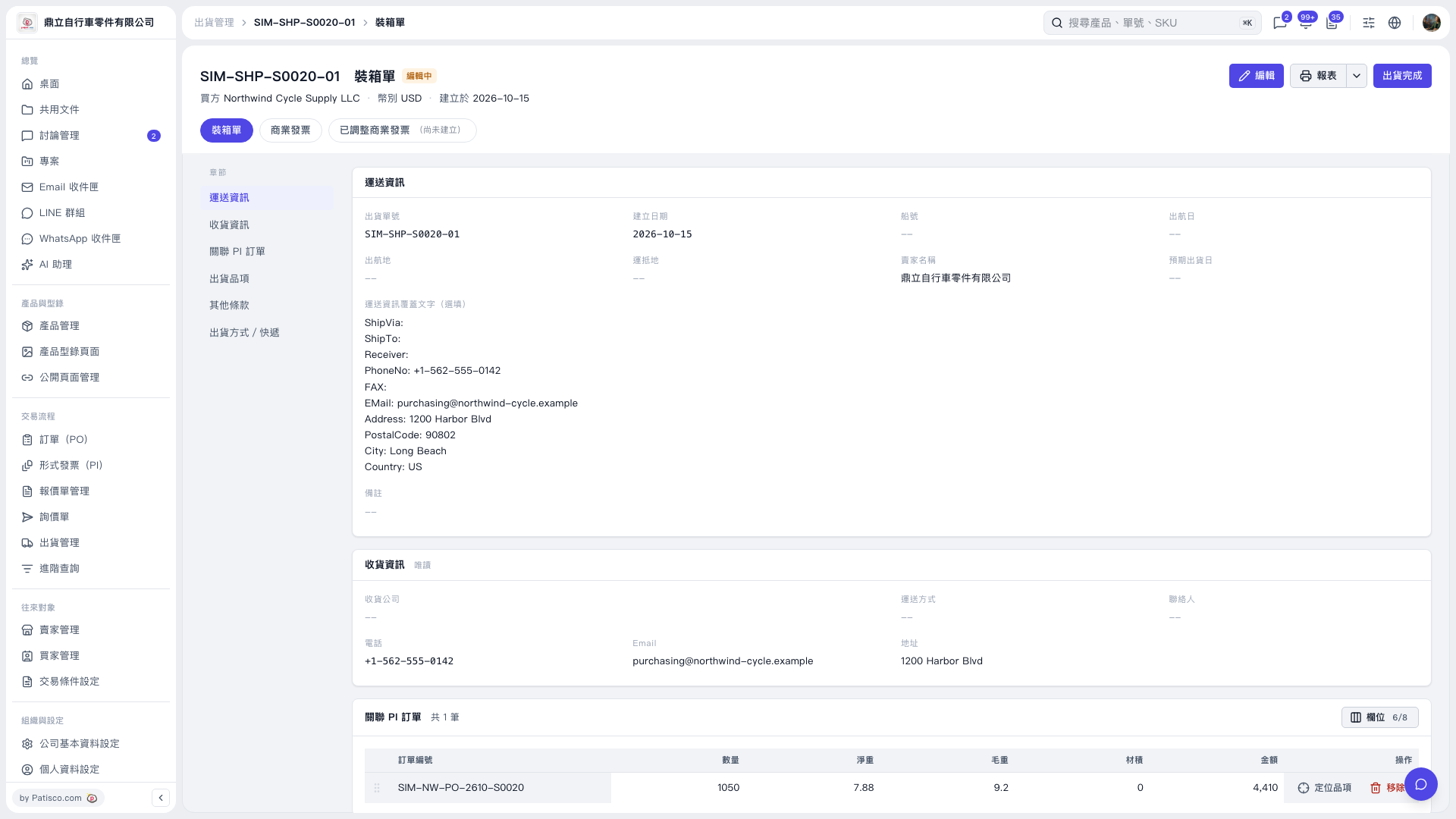
1. On the packing list page, confirm the shipment number, buyer, and currency, and check the shipping and recipient information. If you need to modify the packing list, click “Edit” in the upper-right corner. 2. Under “Linked PI Orders,” check the order number, quantity, net weight, gross weight, volume, and amount. You can click “Locate Item” to view the corresponding shipment item. 3. Use the section navigation on the left to check “Shipment Items,” “Other Terms,” “Shipping Method,” and “Courier.” 4. After confirming that the information is correct, click “Shipment Complete” in the upper-right corner to mark this shipment as complete.
 V5 新桌面版|SIM-SHP-S0020-01 裝箱單