
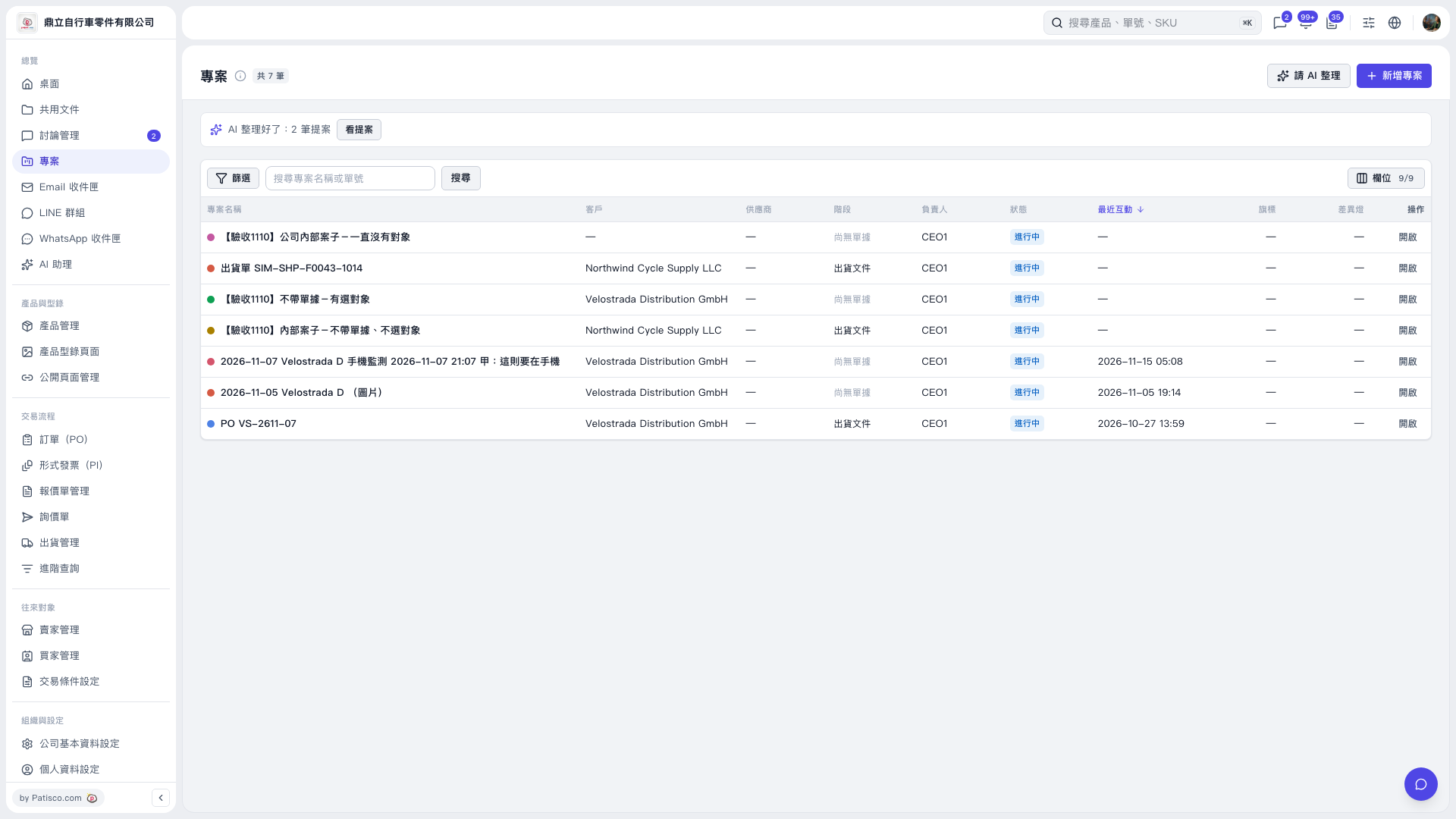
1. Go to the "Projects" page and click "Ask AI to Organize" in the upper-right corner to ask AI to help organize projects. 2. Once the organization is complete, click "View Proposals" in the AI notification bar above the list to preview the 2 proposals from this run. 3. You can ask: "Can you help me organize messages that aren't linked to a project yet?" AI might respond, for example: "Scanned 42 messages from the past 7 days that aren't linked to a project and suggest creating 2 new projects; 33 messages could not be matched to a business deal and were left as they were."
 V5 新桌面版|專案