
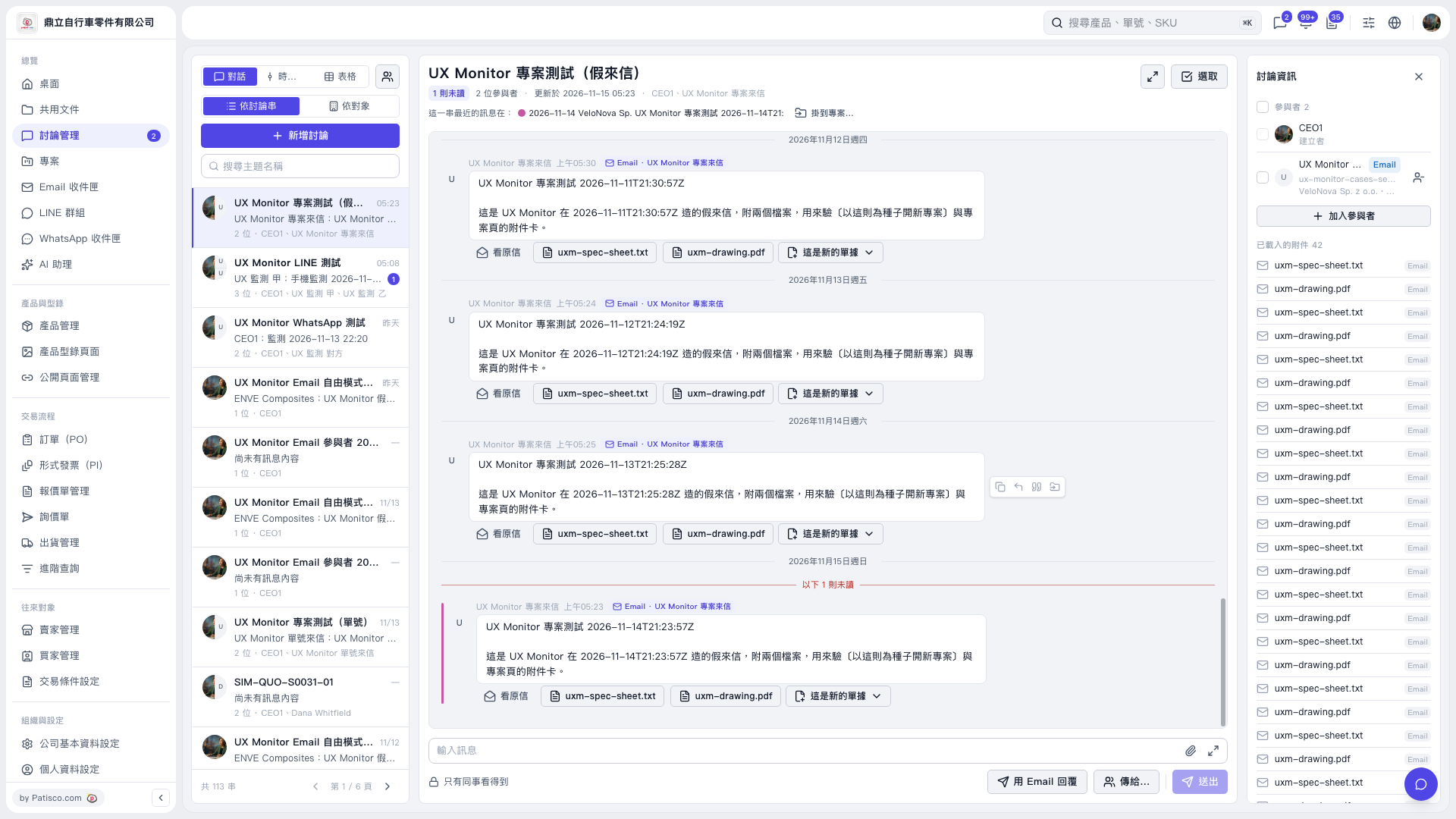
1. In the discussion list on the left, select the incoming email discussion you want to handle. 2. Review the email content in the center. If needed, click "View Original Email" or an attachment to check the information. 3. Below the email you want to use as the source, click the dropdown arrow to the right of "This is a new document." 4. Once the menu opens, select the corresponding item for creating a project, then follow the subsequent screens. The menu has not yet been expanded in the current view, so the item's name cannot be confirmed.
 V5 新桌面版|UX Monitor 專案測試(假來信)