
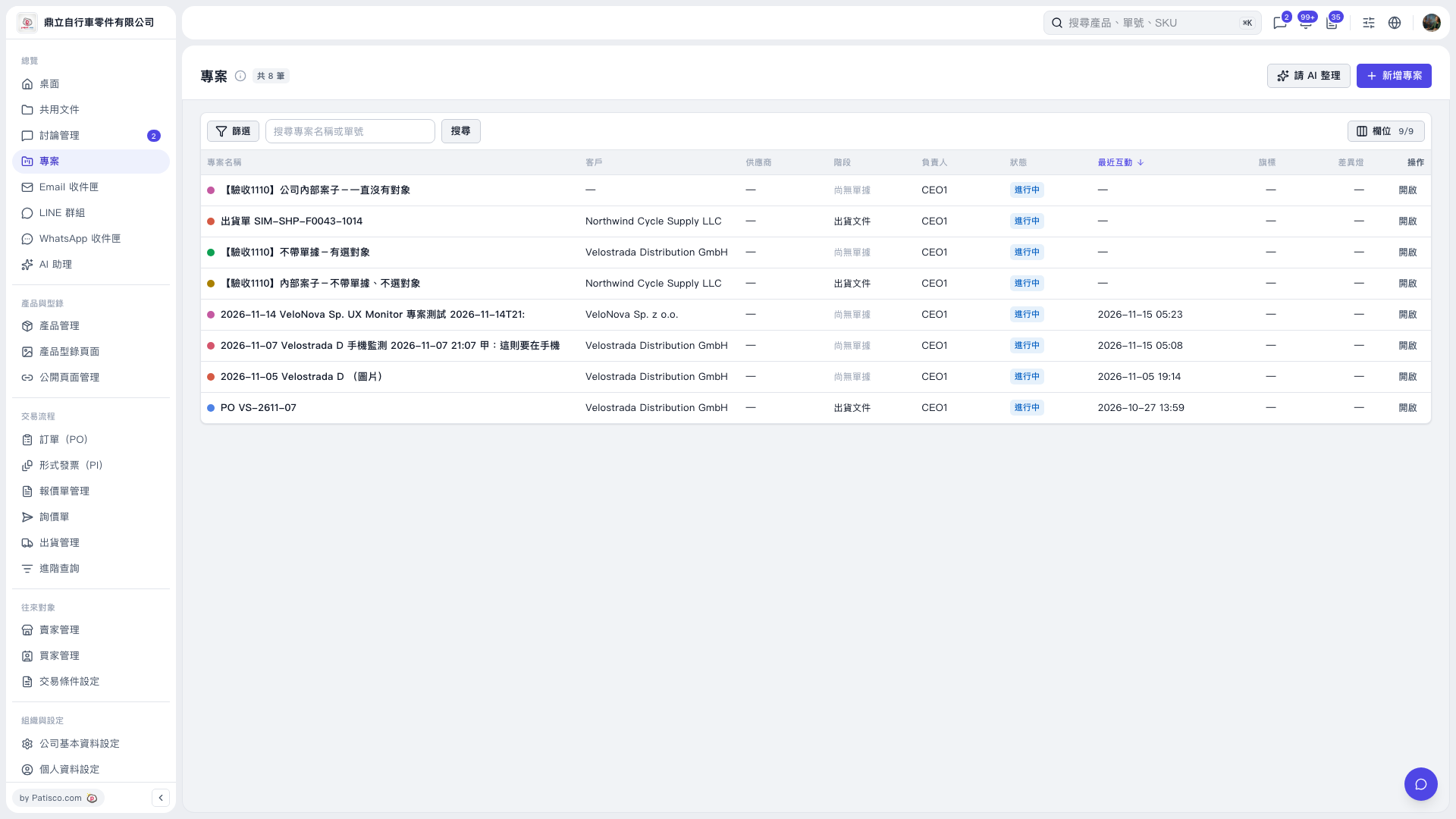
1. Go to the “Projects” page, enter a keyword in the “Search by project name or document number” field, and click “Search”. 2. To narrow the results, click “Filter” at the top left of the list and set the conditions. 3. Find the target project and click “Open” at the far right of its row to view the project details.
 V5 新桌面版|專案