
1. In the “Correspondence” section in the center of the project page, find the email message containing the attachment. 2. Click the “uxm–spec–sheet.txt” or “uxm–drawing.pdf” attachment card to access the file. You can also find the same file in the “Attachments” section on the right. 3. To view the original discussion containing the attachment, click “Back to original thread” below the message.
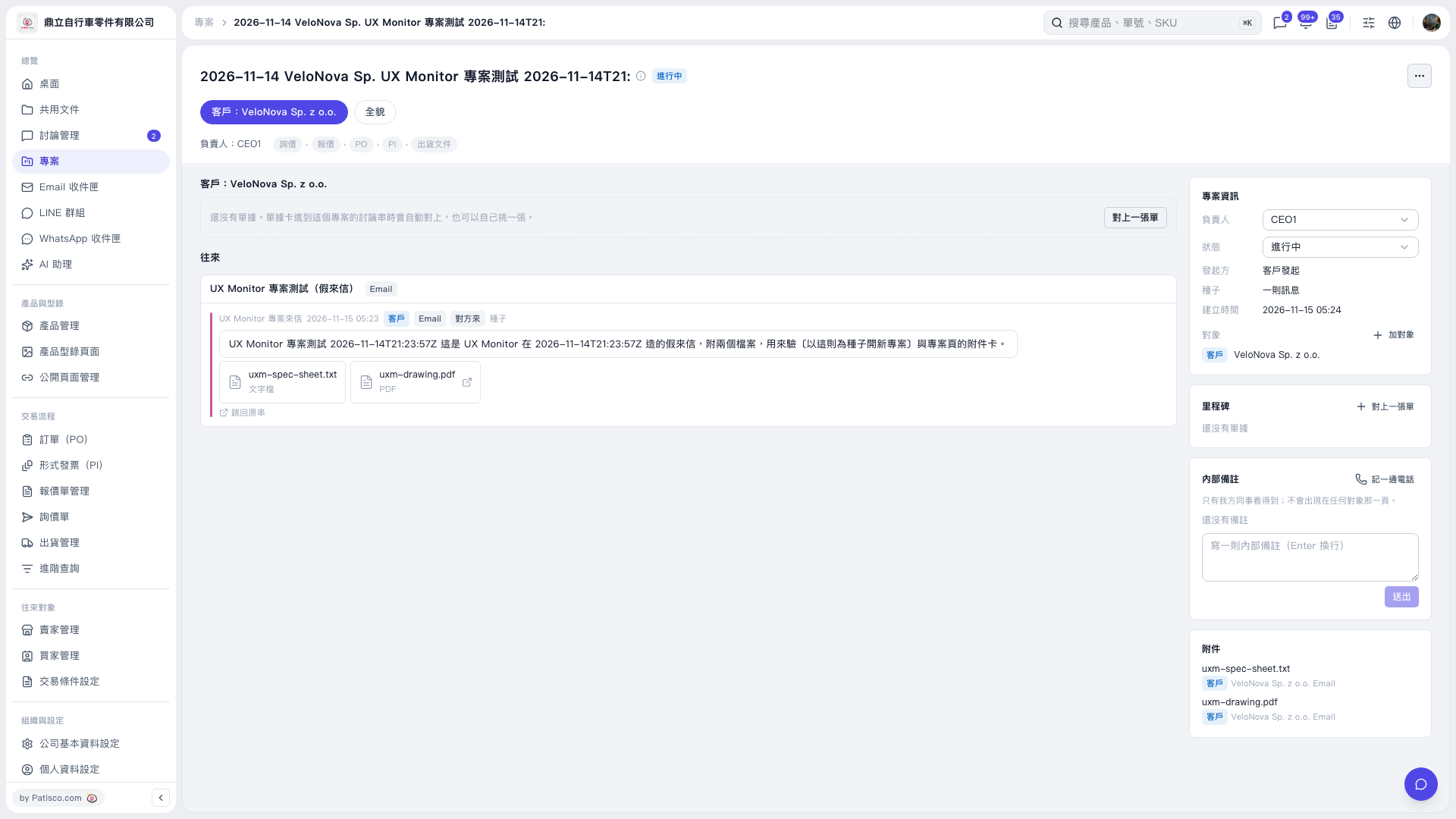 V5 新桌面版|2026–11–14 VeloNova Sp. UX Monitor 專案測試 2026–11–14T21: