
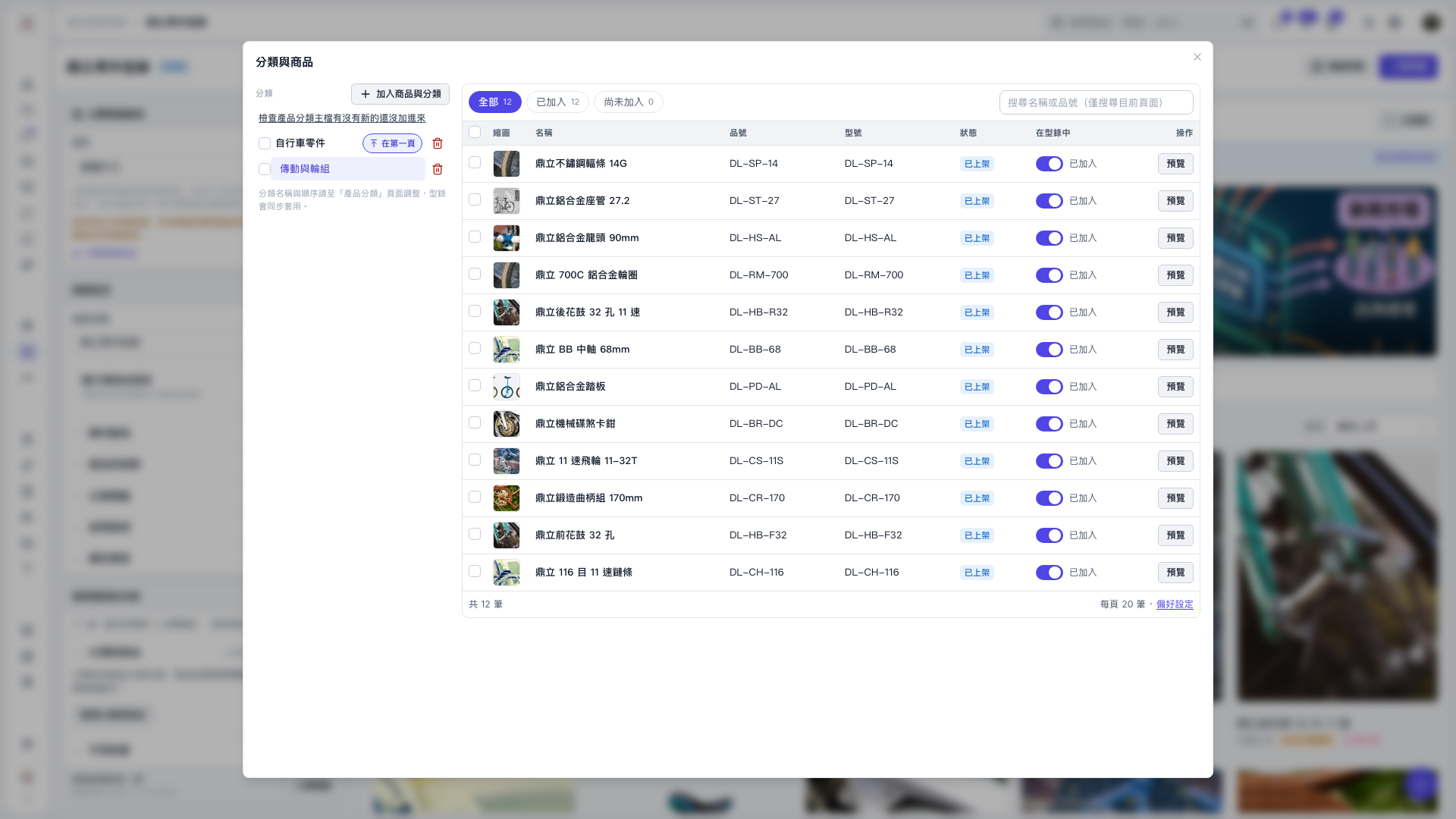
1. Click “Add products and categories” in the “Categories and products” dialog. 2. Select the categories you want to add. Selecting a main category also selects its subcategories and products. Selecting “All categories” selects everything. 3. Click “Add all directly” to add the entire selection to the catalog without another confirmation step. Products that have not yet been published will also be published by default. 4. You can ask: “I want to add an entire category to the catalog. Do I need to preview it first?” AI would reply: “No. Select the category and click ‘Add all directly’. You only need to preview if you want to exclude some items.”
 V5 新桌面版|分類與商品