
1. Click “Add products and categories” and select the categories you want to add. If you only want certain subcategories, deselect the unwanted ones. 2. Click “Preview and deselect unwanted items”. All categories and products in the preview are selected by default. Deselect the items you do not want to add. 3. After making your changes, click “Confirm addition” to add the items to the catalog. Deselecting items in the preview alone does not save changes to the catalog. 4. You can ask: “I only want to add some products. Which button should I click?” AI would reply: “First click ‘Preview and deselect unwanted items’, deselect the unwanted items, then click ‘Confirm addition’.”
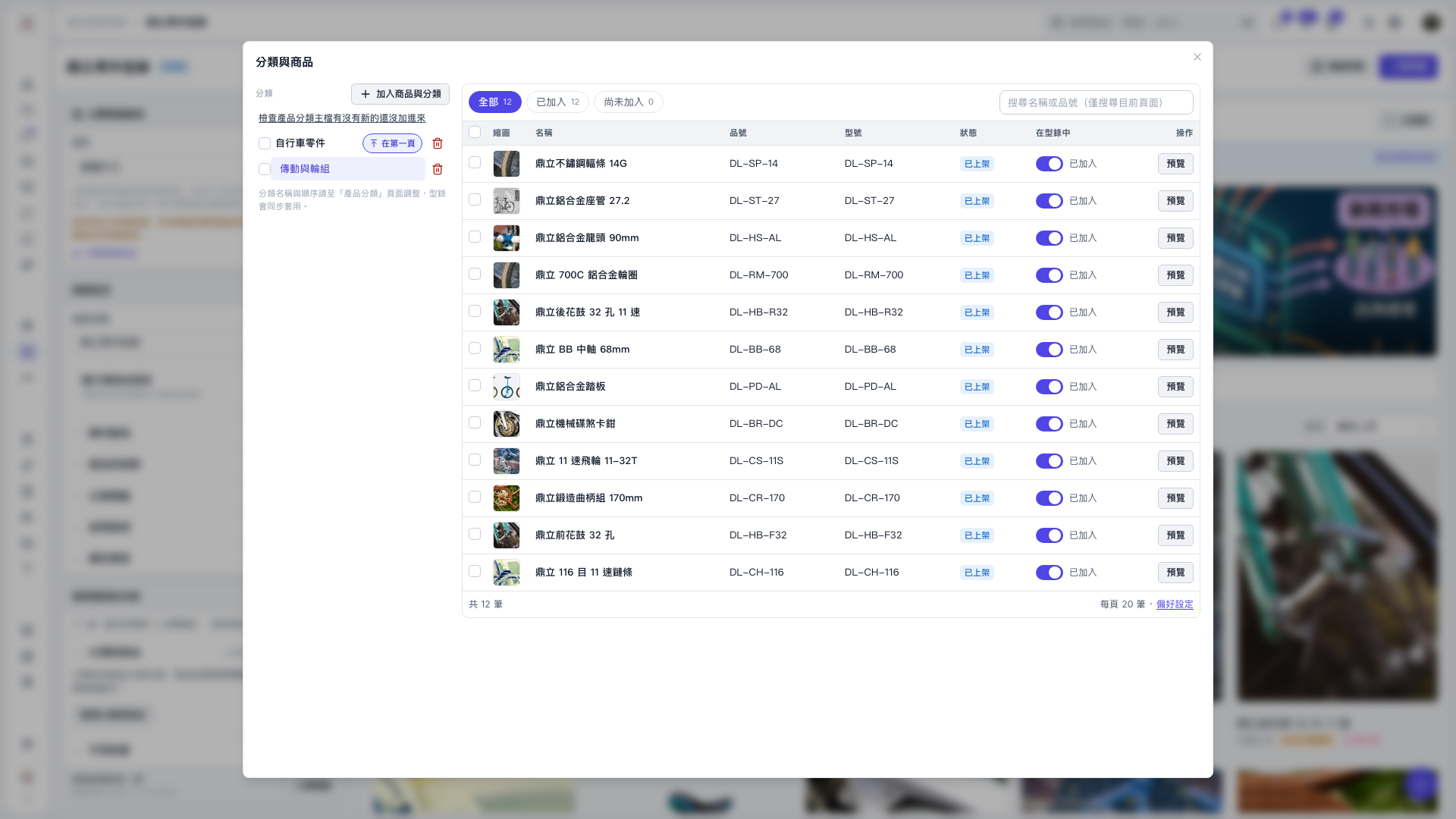 V5 新桌面版|分類與商品