
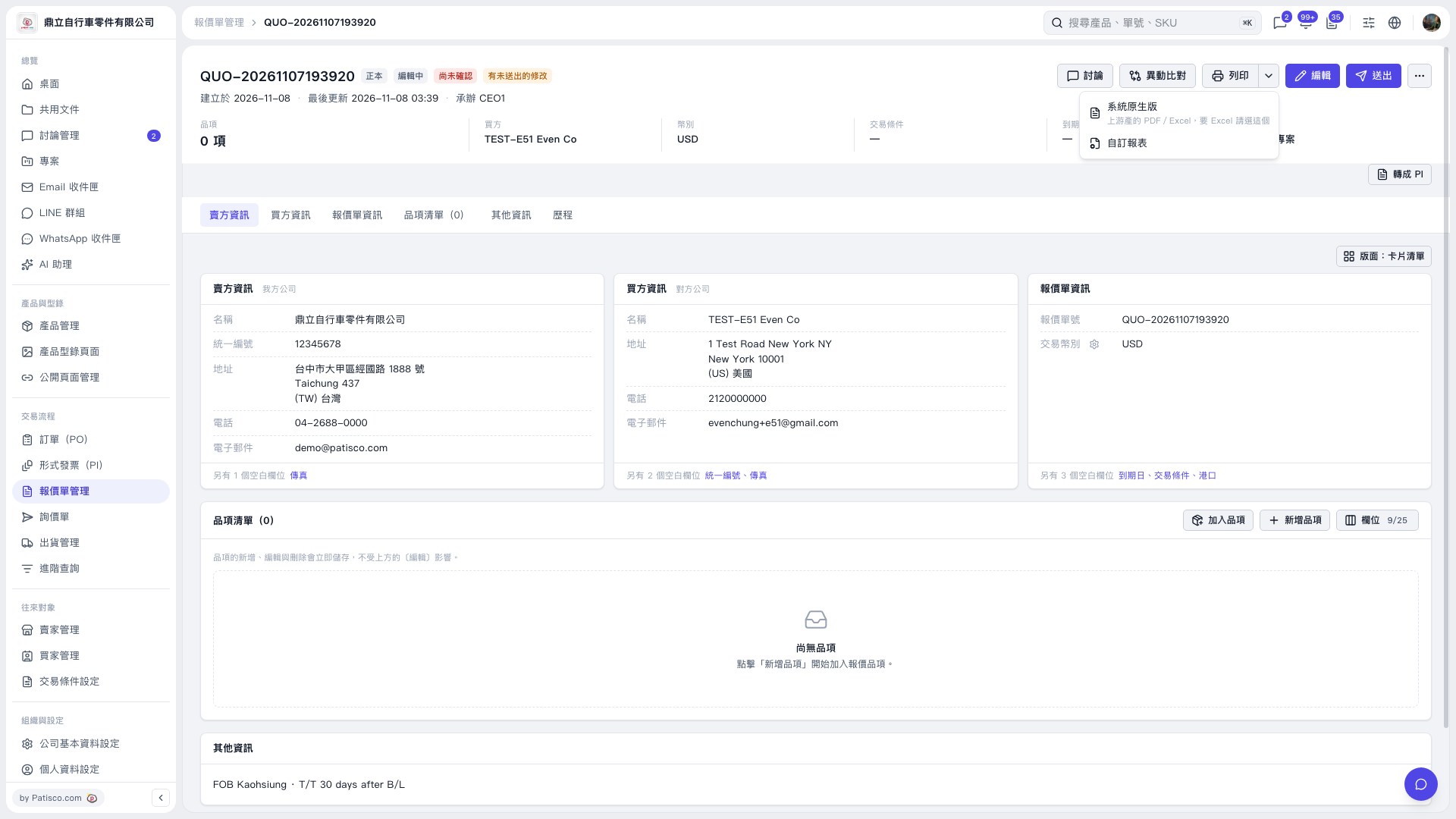
1. On the Quotation page, first check the quotation number, buyer and seller information, transaction currency, and line item details. 2. Click the dropdown arrow next to “Print” in the upper-right corner to expand the report menu. 3. Select “System default” to use the system report. If you need a custom format, select “Custom report”. 4. Use the options on the subsequent screens to complete the report output or printing.
 V5 新桌面版|QUO–20261107193920