
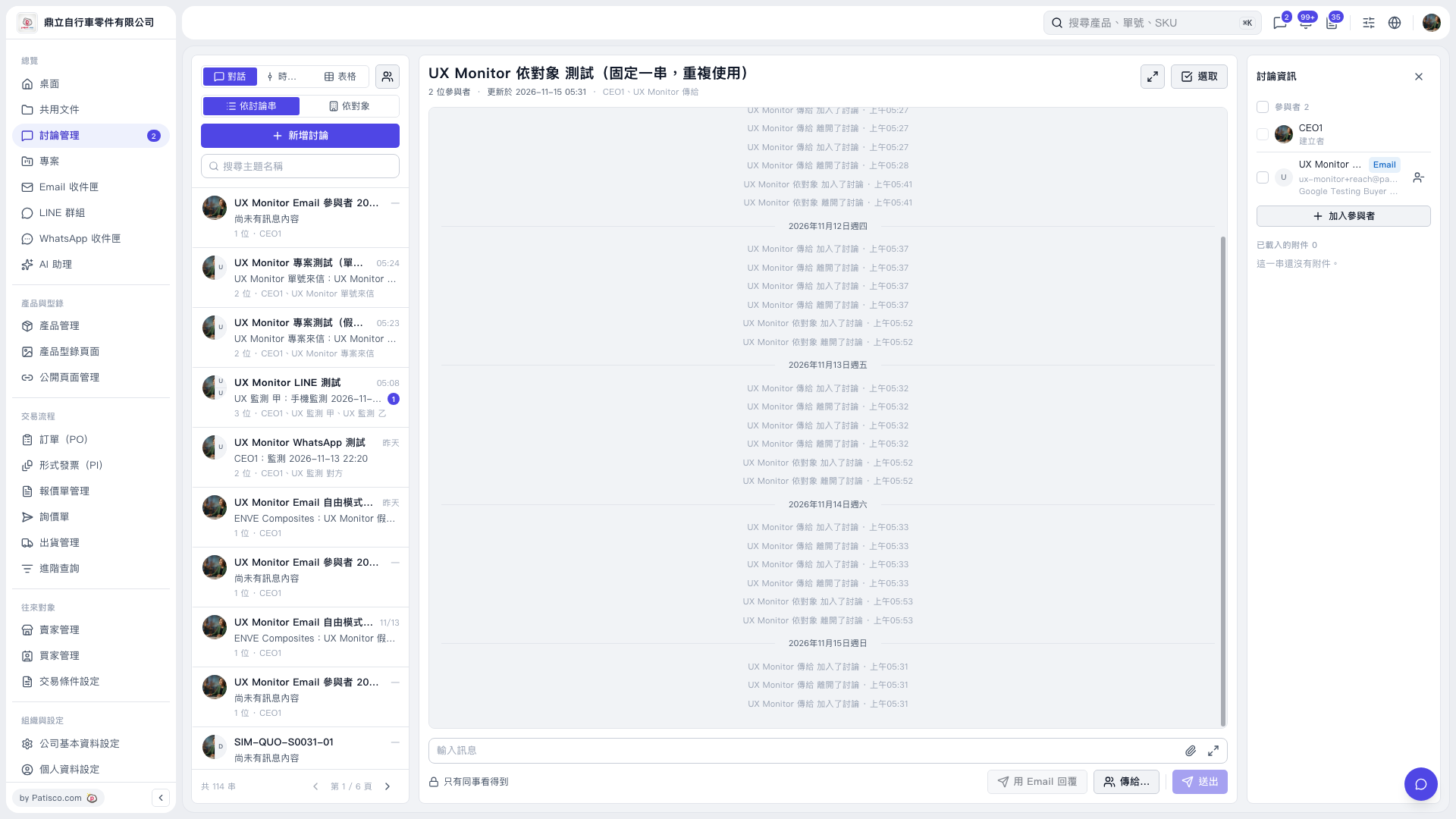
1. Open the discussion thread you want to reply to and check the participant information on the right. 2. Click “Send to…” to confirm the recipients. In this test, the recipient field displayed “UX Monitor sends to <ux-monitor+reach@patisco.test>.” 3. Check the visibility notice. If it says “Only colleagues can see this,” confirm the recipients first. In this email test, the banner displayed “This email will be sent to the other party” and listed ux-monitor+reach@patisco.test as the recipient. 4. Confirm that “Reply by Email” is available before replying. The button on the current screen is grayed out.
 V5 新桌面版|UX Monitor 依對象 測試(固定一串,重複使用)