
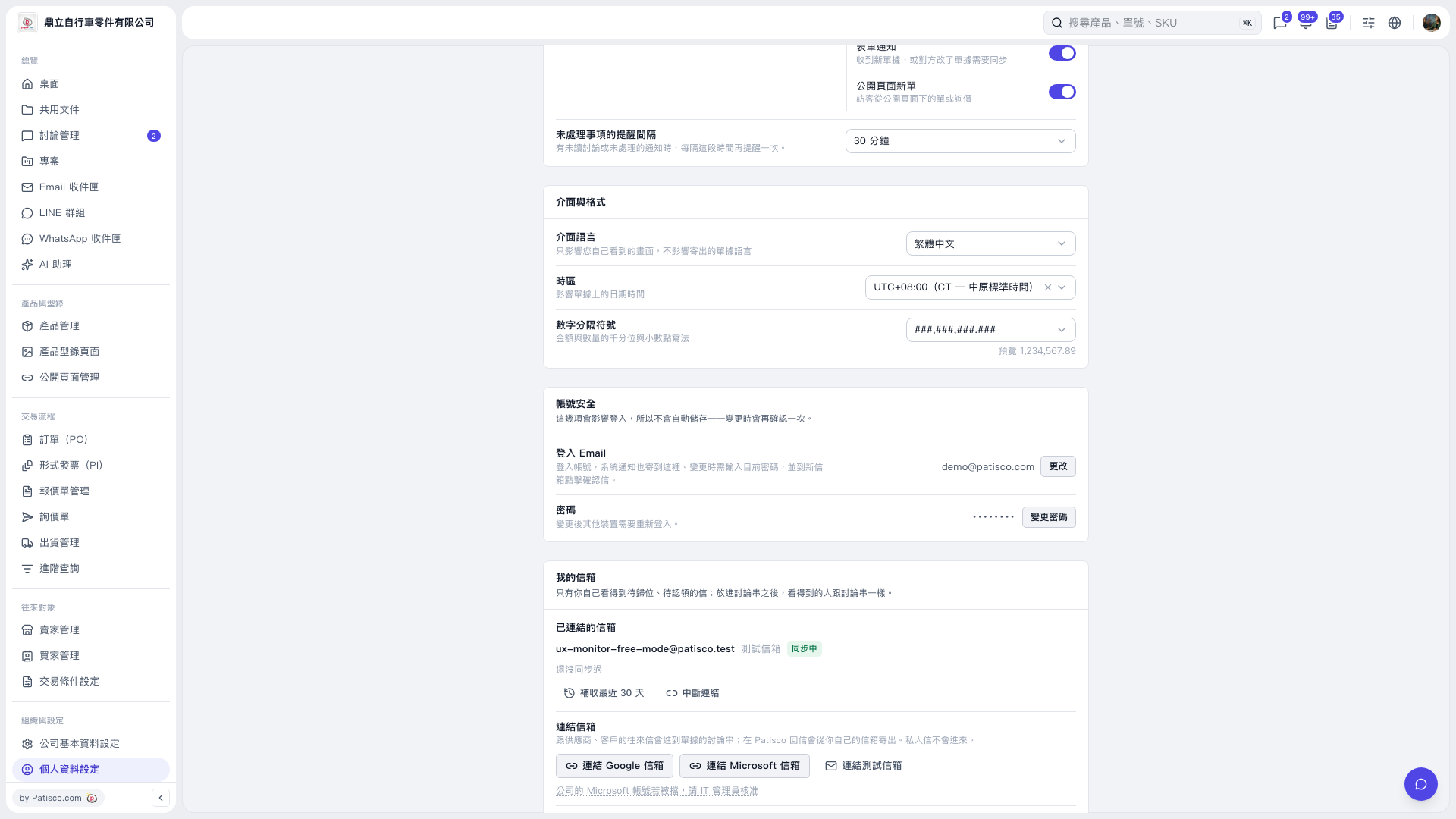
1. In the “My Email Accounts” section of the “Personal Profile Settings” page, check the connected email accounts and their sync status. 2. To add an email account, click “Connect Google Email,” “Connect Microsoft Email,” or “Connect Test Email,” depending on the account type, then follow the subsequent screens to complete the connection. If a Microsoft work account is blocked, approval from your IT administrator is required. 3. To retrieve recent emails, click “Retrieve Emails from the Last 30 Days” below the connected email account.
 V5 新桌面版|個人資料設定