
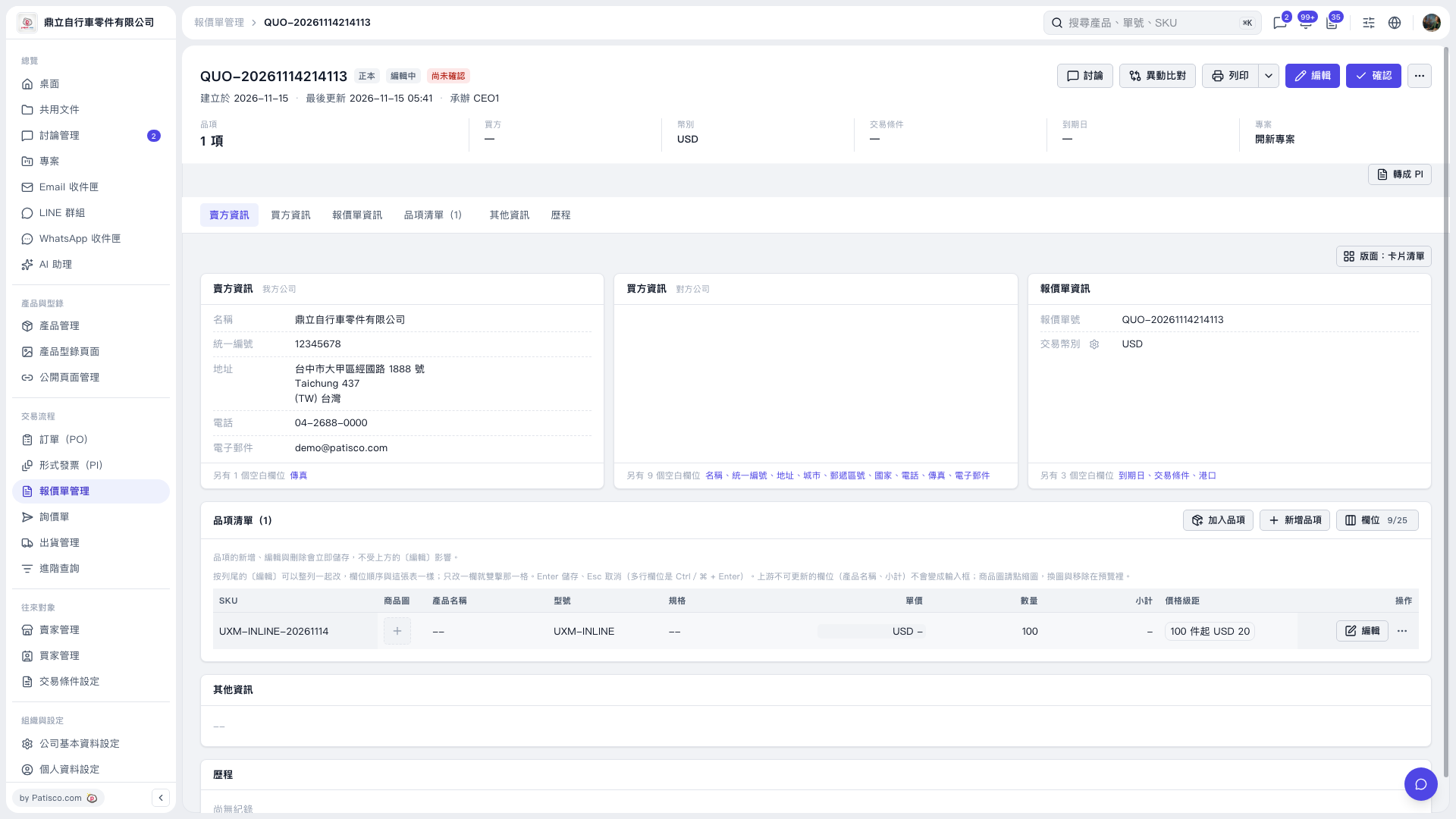
1. Find the item you want to edit in the quotation's "Item List" and double-click the "Unit Price" cell in that row. 2. Enter a new unit price. To clear the unit price, delete the value in the field. 3. Press Enter to save or Esc to cancel. 4. After saving, check "Unit Price" and "Subtotal". When the unit price is cleared, the unit price displays "USD –" and the subtotal displays "–".
 V5 新桌面版|QUO–20261114214113