
1. In the quotation's item list, click the "Quantity", "Net Weight per Carton", or "Currency" cell you want to edit. 2. After making changes, press Enter to save. To cancel the changes, press Esc. 3. To edit other data for the item, you can also click "Edit" on the right side of that row.
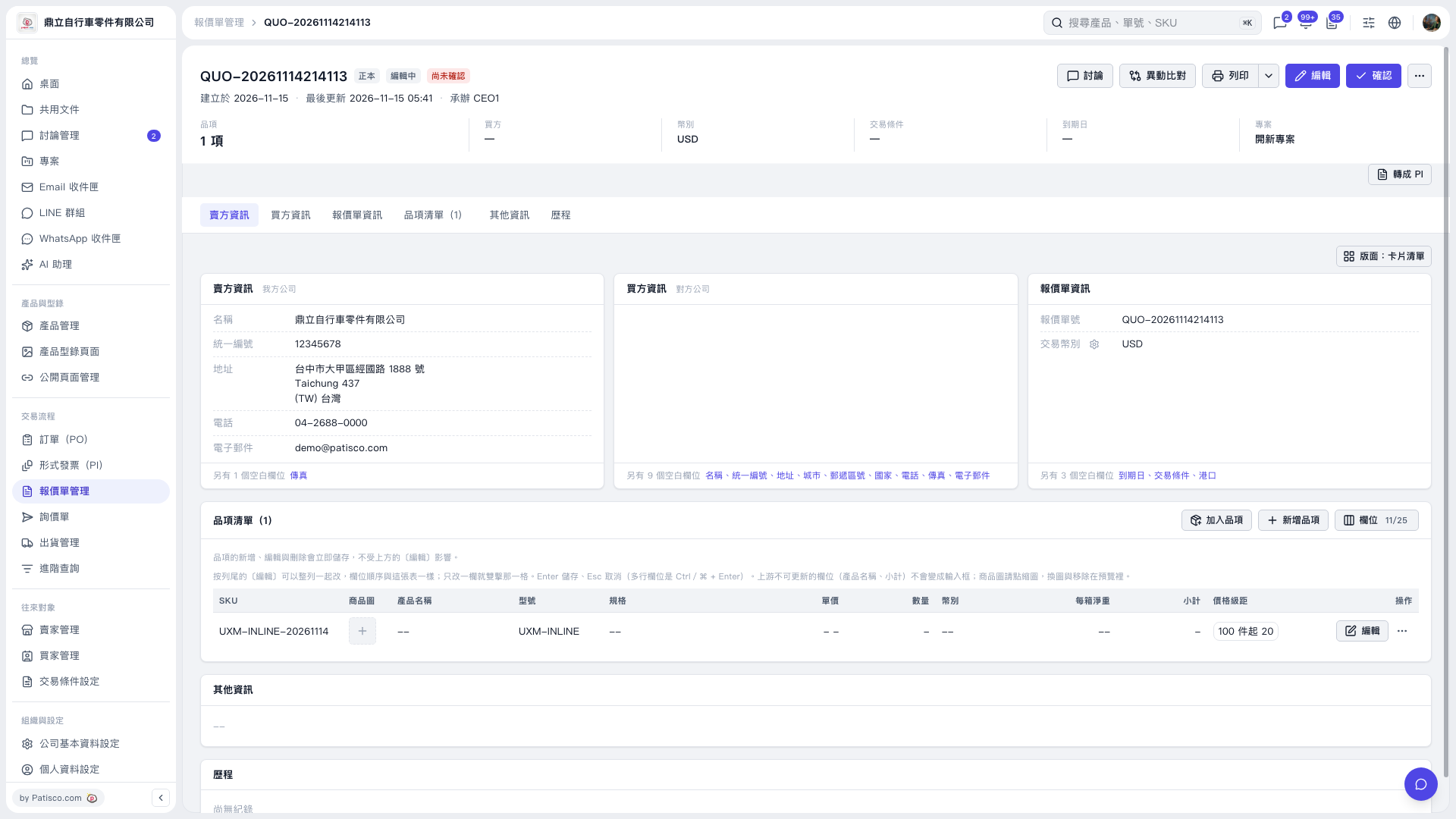 V5 新桌面版|QUO–20261114214113