
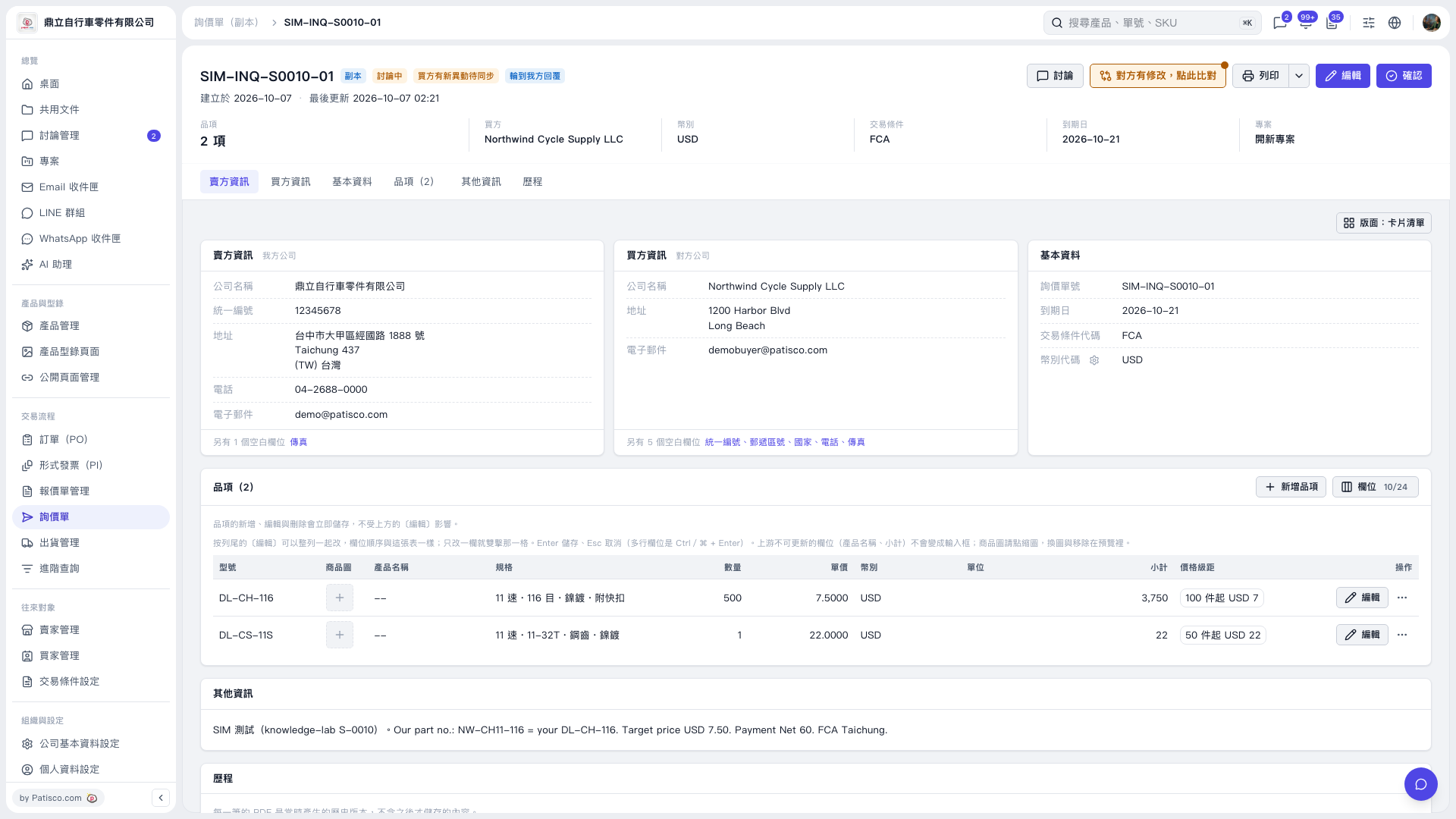
1. To edit the inquiry information, click "Edit" in the upper right. 2. To edit an item, click "Edit" on the right side of its row. Item changes are saved immediately. 3. To add an item, click "Add Item" in the upper right of the items section. 4. After reviewing the contents, click "Confirm" in the upper right.
 V5 新桌面版|SIM–INQ–S0010–01