
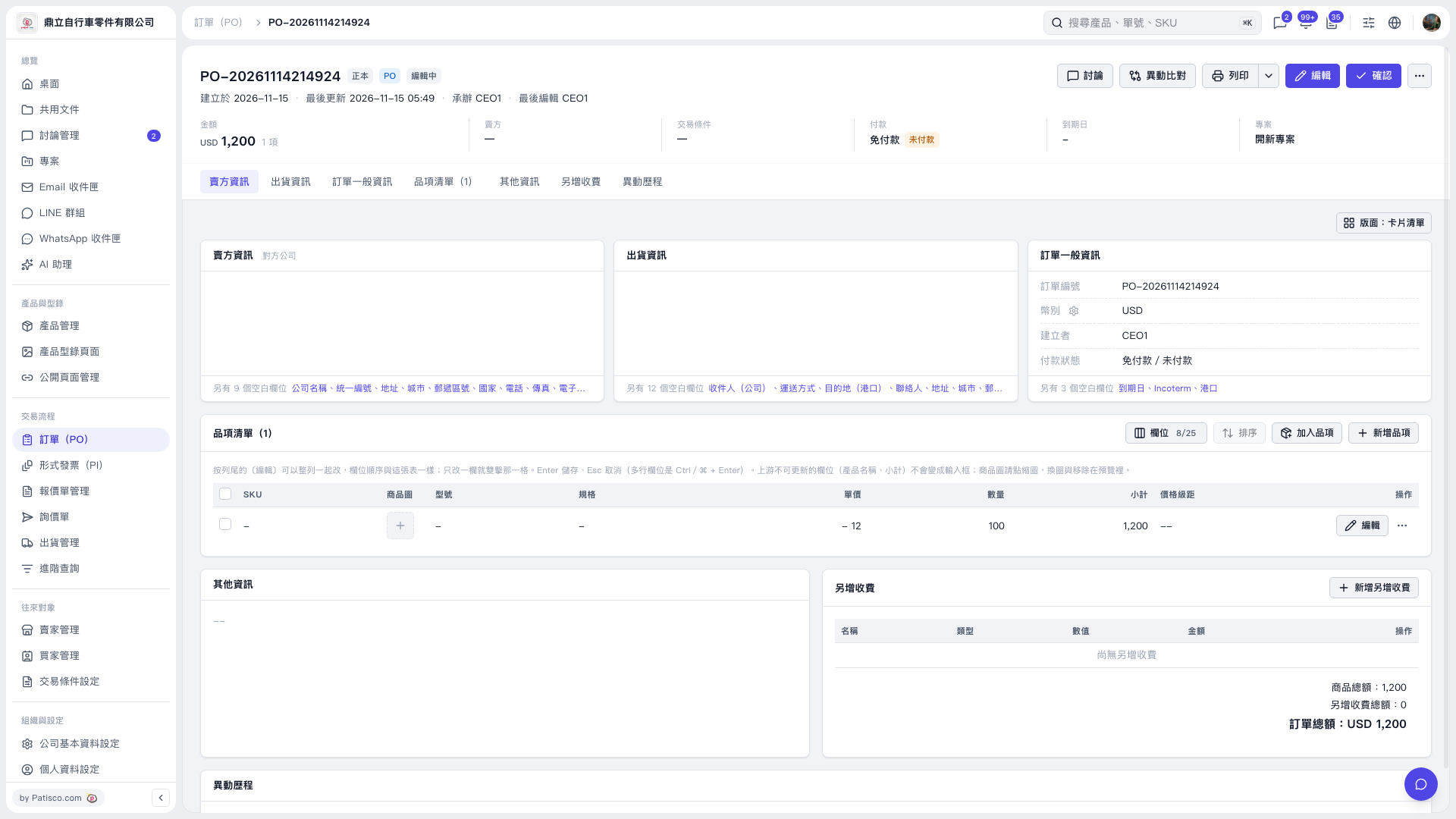
1. Open the PO you want to print and check the PO number, seller information, shipping information, items, and PO total. 2. If changes are needed, click "Edit" in the upper-right corner or on the right side of an item row to adjust the details. 3. Click "Print" in the upper-right corner. To view other print options, click the drop-down arrow to the right of "Print". 4. Once the print interface opens, check the preview, then complete printing. This test used "Patisco Standard (Default)". The preview showed a quantity of 100, a unit price of USD 12, and a PO total of USD 1,200.
 V5 新桌面版|PO-20261114214924