
1. On the left side of "Product Catalog", click the category filter labels you need. To filter by price, enter amounts in "Minimum" and "Maximum", then click "Apply". 2. Make sure the search field above the list is set to "Product Name", enter a product name keyword, and press Enter. 3. Use "Creation Date" and "Descending" to adjust the sort field and direction as needed.
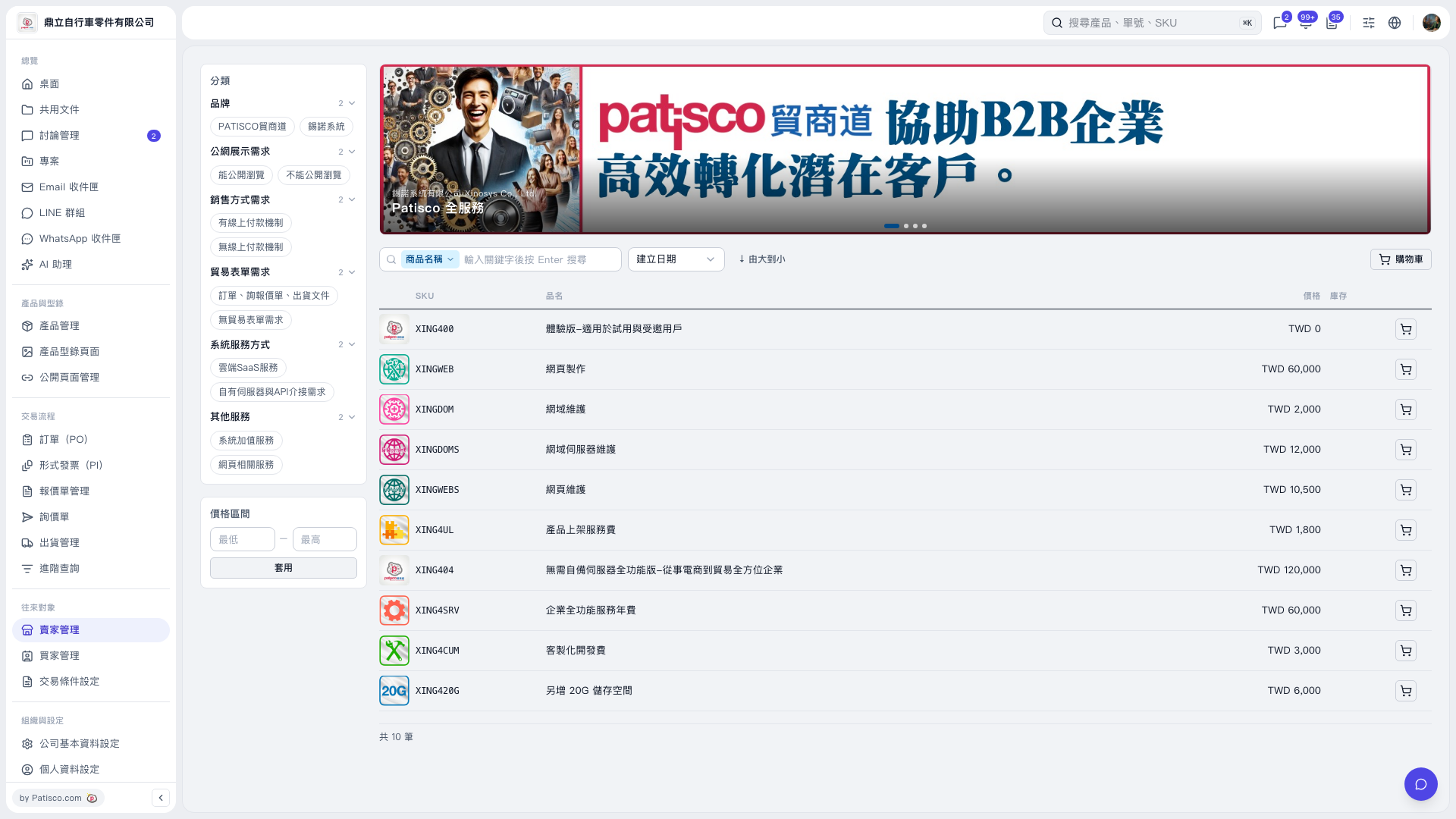 V5 新桌面版|產品型錄