
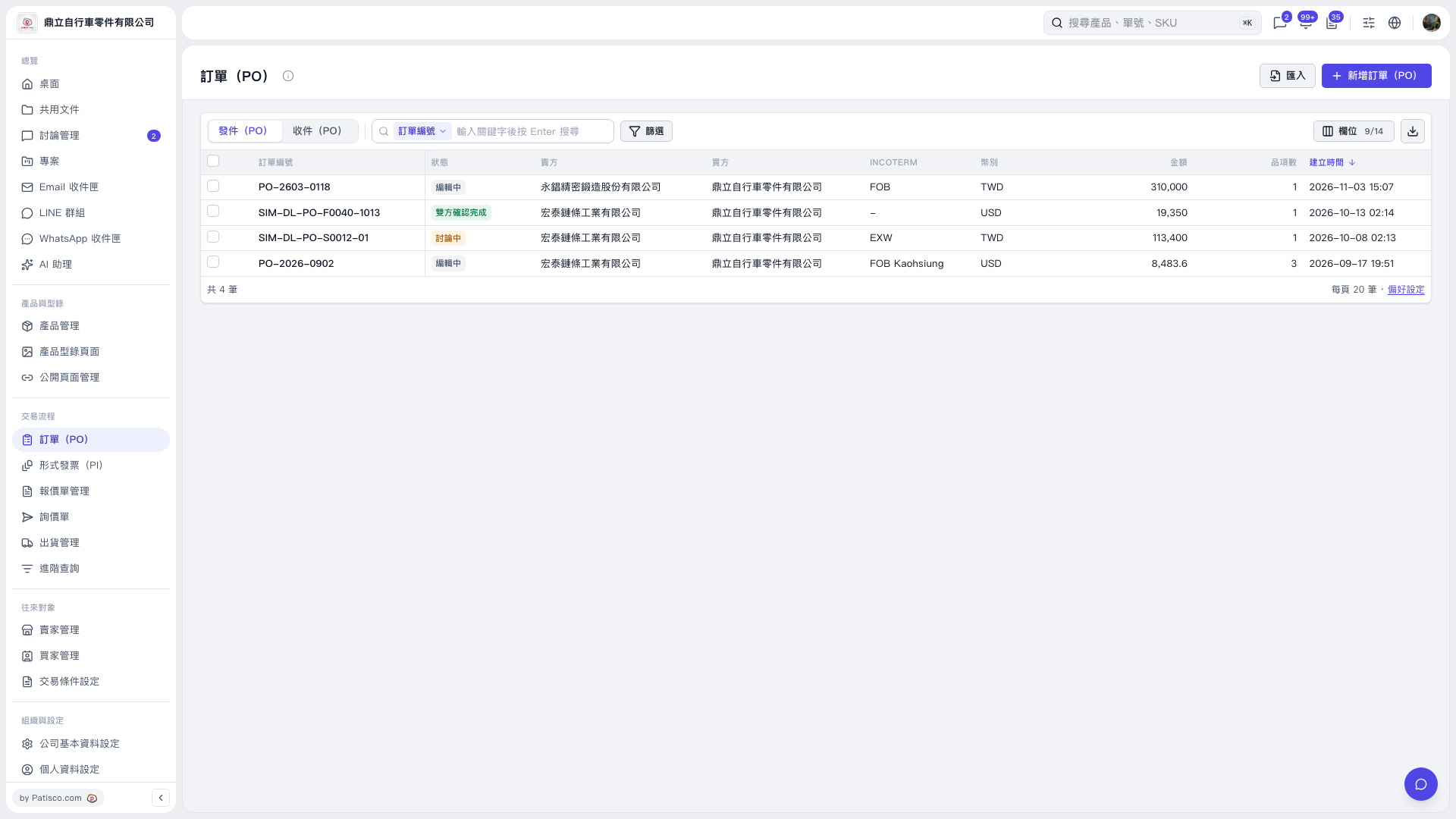
1. Under "Trading Process" on the left, click "PO". 2. Above the list, select "Sent (PO)" or "Received (PO)" to view the corresponding POs. 3. In the search bar, select the field to search, such as "PO Number", enter a keyword, and press Enter. 4. To search by specific criteria, click "Filter" to the right of the search box and set the criteria.
 V5 新桌面版|訂單(PO)