
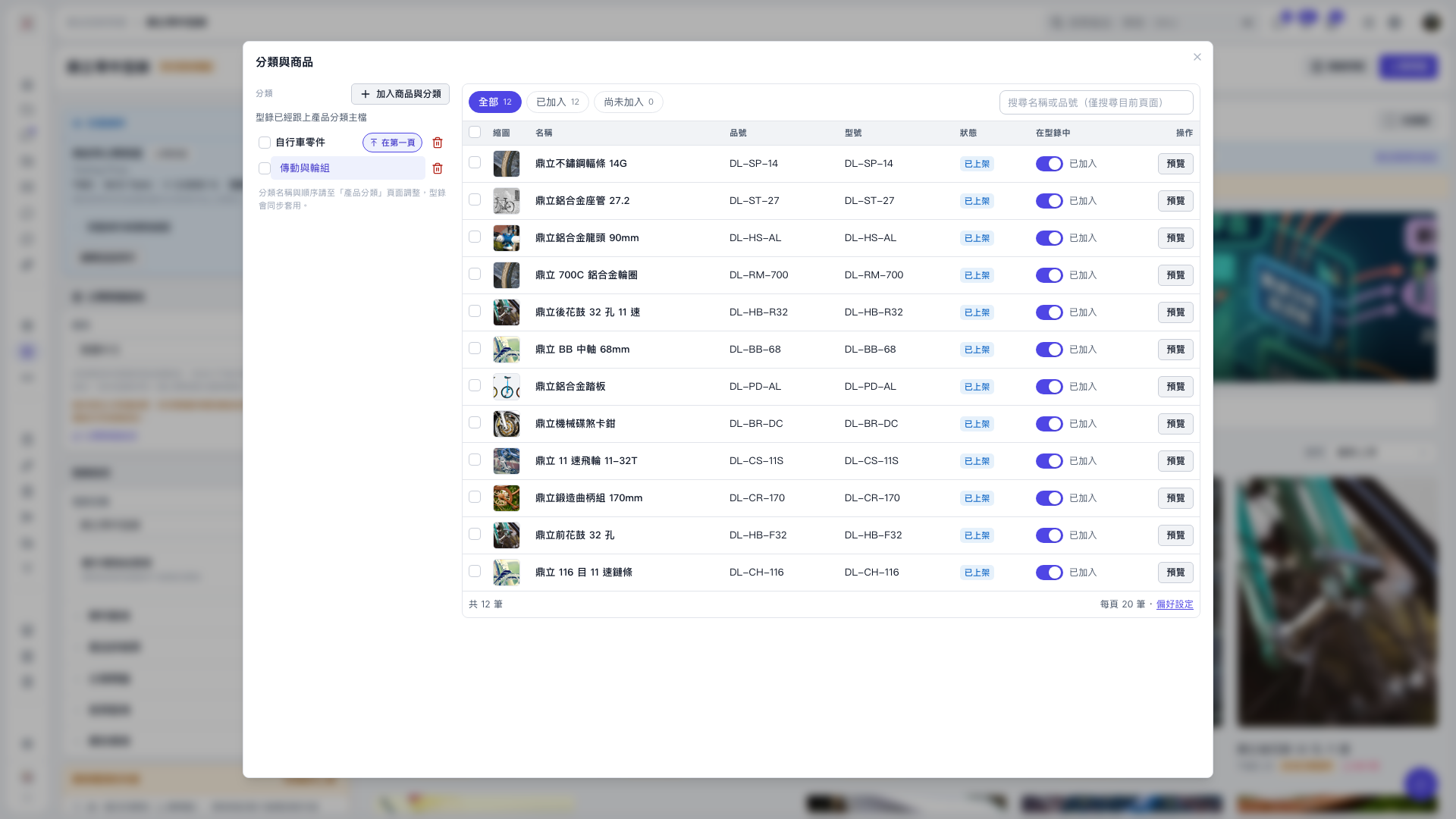
1. In the catalog's “Categories and products” window, click “Check product category master…”. After opening the window, you must click this manually to start the comparison. 2. When “Comparing with product category master…” appears, wait for the check results. 3. If “The catalog is up to date with the product category master” appears, there are no subcategories or published products that have not yet been added. Both counts were 0 in this check. The check itself does not change the catalog categories.
 V5 新桌面版|分類與商品