
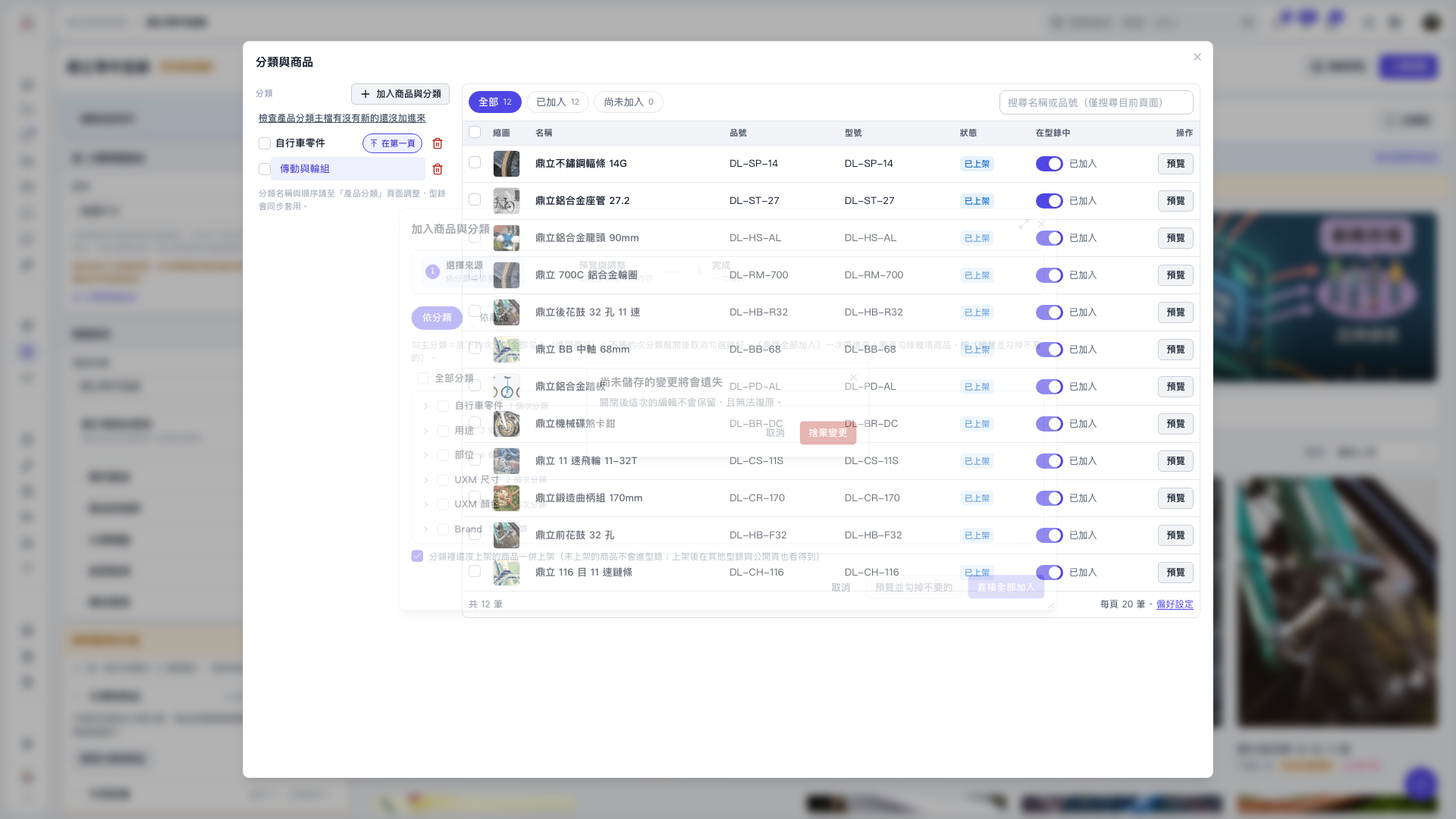
1. In “Add Products and Categories,” select “By Category” or “By Product” and check the categories or products you need. 2. Click “Preview and Uncheck Unwanted Items.” All categories and products in the preview are selected by default. Uncheck any items you do not want to add. 3. After reviewing the selection, click “Confirm Addition” to add the items to the catalog. This workflow is optional. If you want to add the entire selection, you can click “Add All Directly” in the previous step. 4. To discard your edits, close the workflow and click “Discard Changes” in the unsaved changes prompt. Clicking “Cancel” returns you to editing.
 V5 新桌面版|分類與商品