
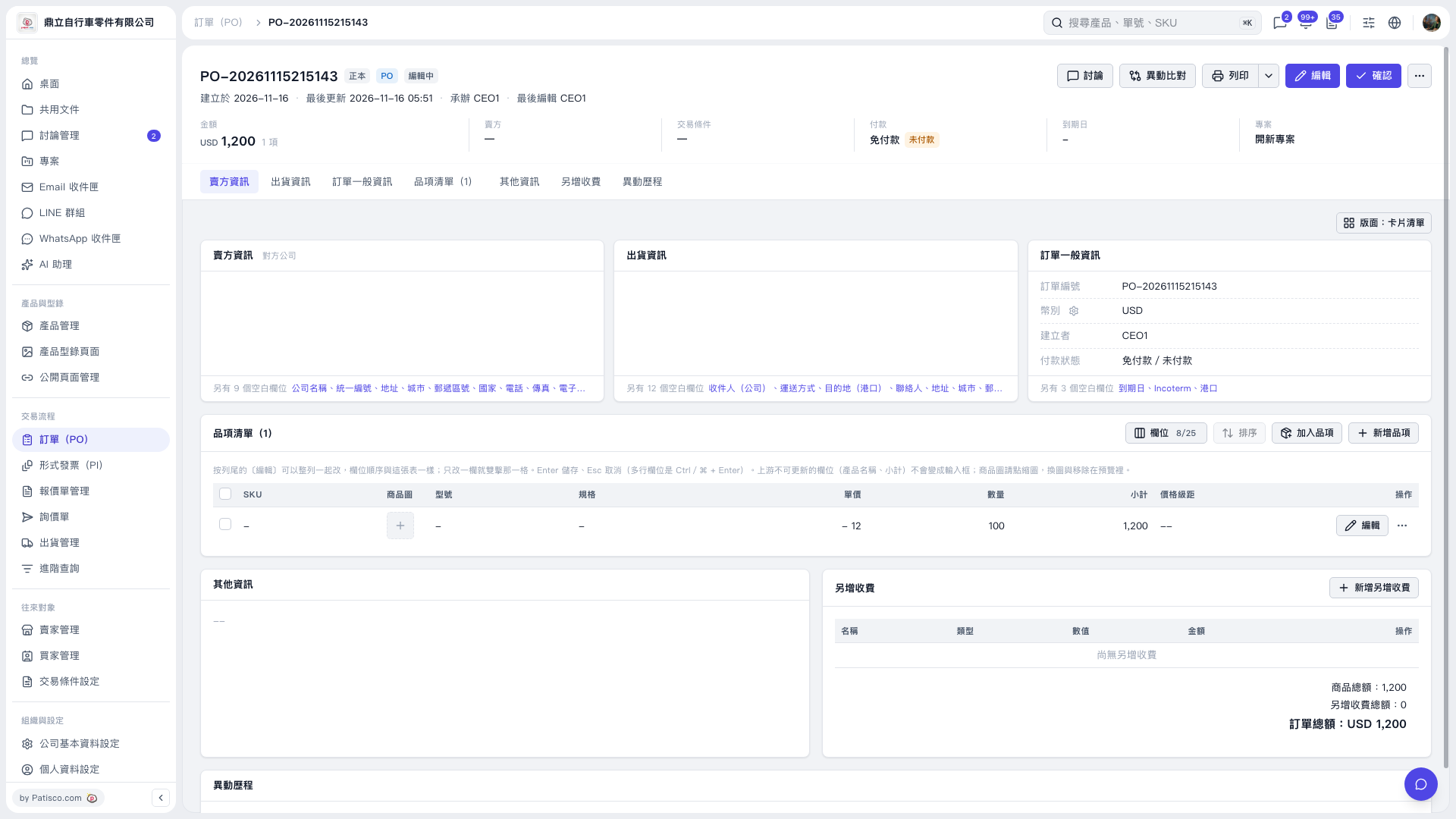
1. Open the PO you want to modify and click “Edit” on the right side of the item’s row. 2. Clear the SKU, model, or specifications you want to remove. 3. Click “Edit” on the same row again to save, or press Enter to save. To cancel the changes, press Esc. 4. After saving, reopen the item and confirm that the fields are empty. In this test, the SKU, model, and specifications all remained blank successfully.
 V5 新桌面版|PO-20261115215143