
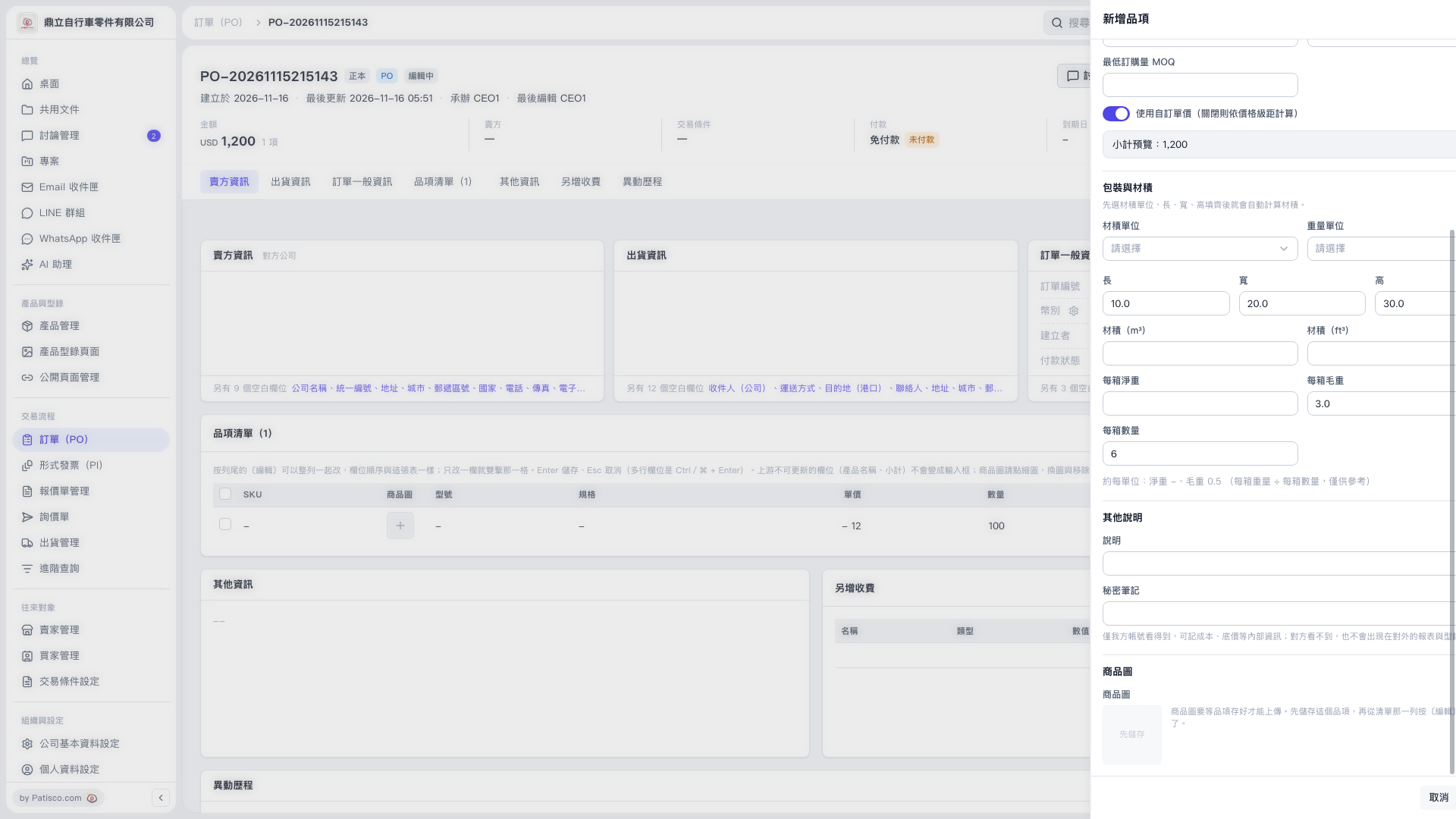
1. Check the item information and “Quantity” in the “Add Item” panel. 2. Turn on “Use Custom Unit Price (when off, calculated based on price tiers)” and enter the “Unit Price”. Custom unit pricing is already enabled on the current screen. 3. Check the “Subtotal Preview”. To calculate the price based on price tiers, turn this switch off.
 V5 新桌面版|訂單 PO-20261115215143/新增品項