
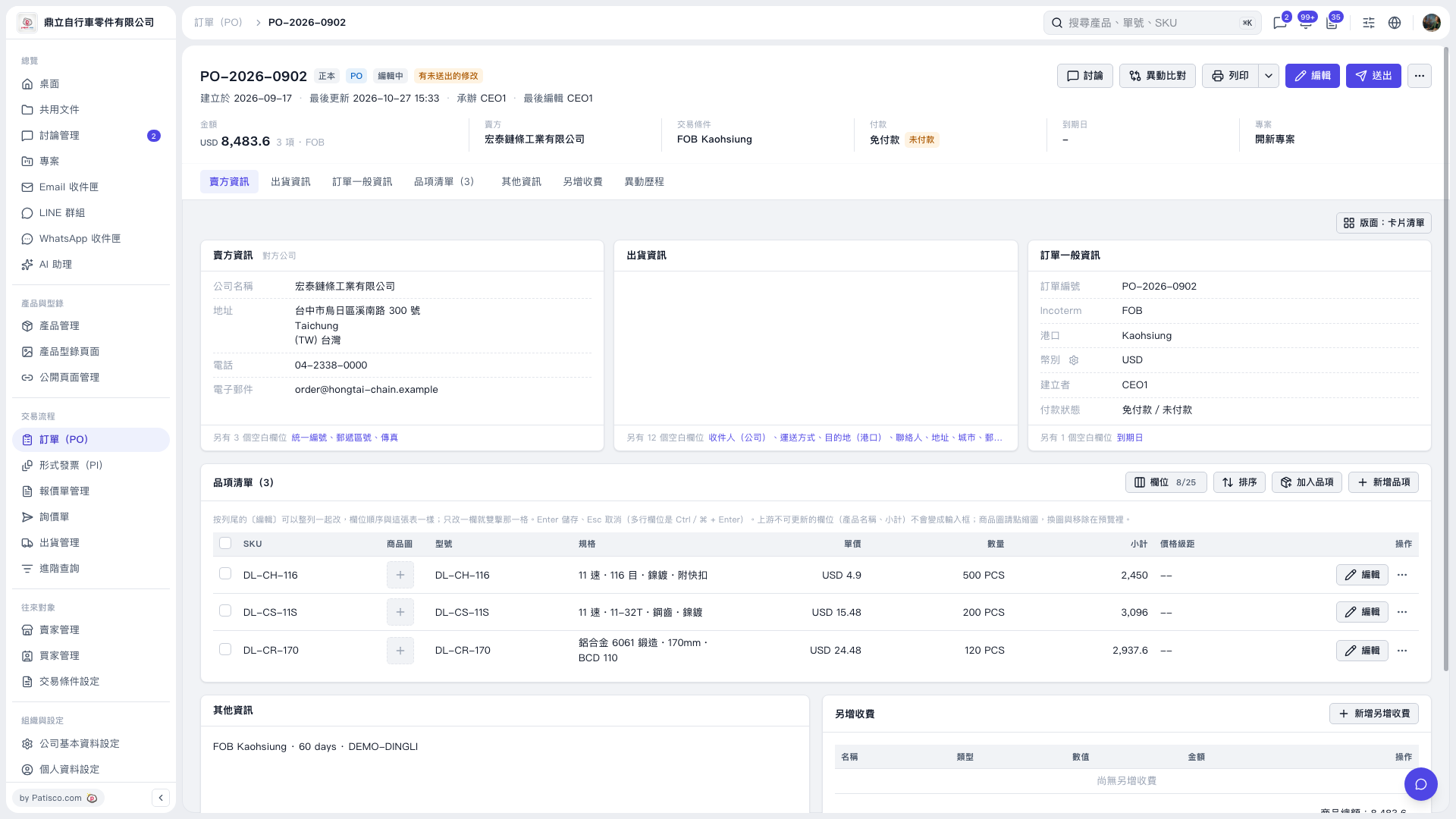
1. Click “Additional charges” below the PO summary to go to the additional charges section. 2. Click “Add additional charge” in the upper-right corner of that section to add an extra charge to the PO. 3. Review the PO contents, then click “Submit” in the upper-right corner once confirmed. 4. If you need a paper copy, click “Print” in the upper-right corner. The arrow on its right expands the print options.
 V5 新桌面版|PO–2026–0902