
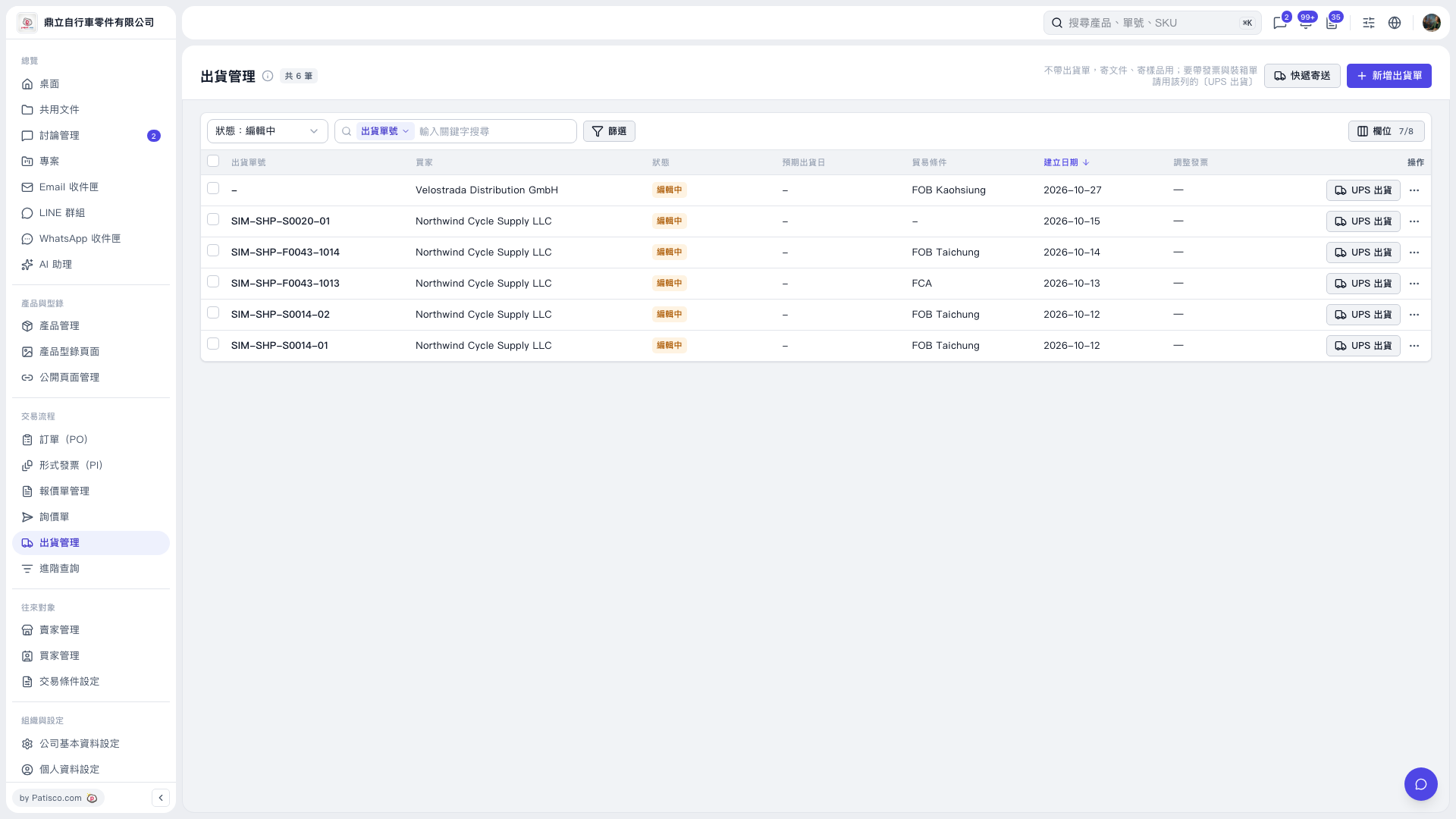
1. On the Shipping Management page, click “Status: Editing” above the list and select the status of the shipment you want to find. 2. Under “Shipment No. / Enter a keyword to search,” select a search field and enter a keyword. Click “Filter” if you need to narrow the results. 3. Once you find the shipment, click “UPS Shipping” on the right side of that row to start the shipping process. Use this entry point to print the invoice and packing list as well.
 V5 新桌面版|出貨管理