
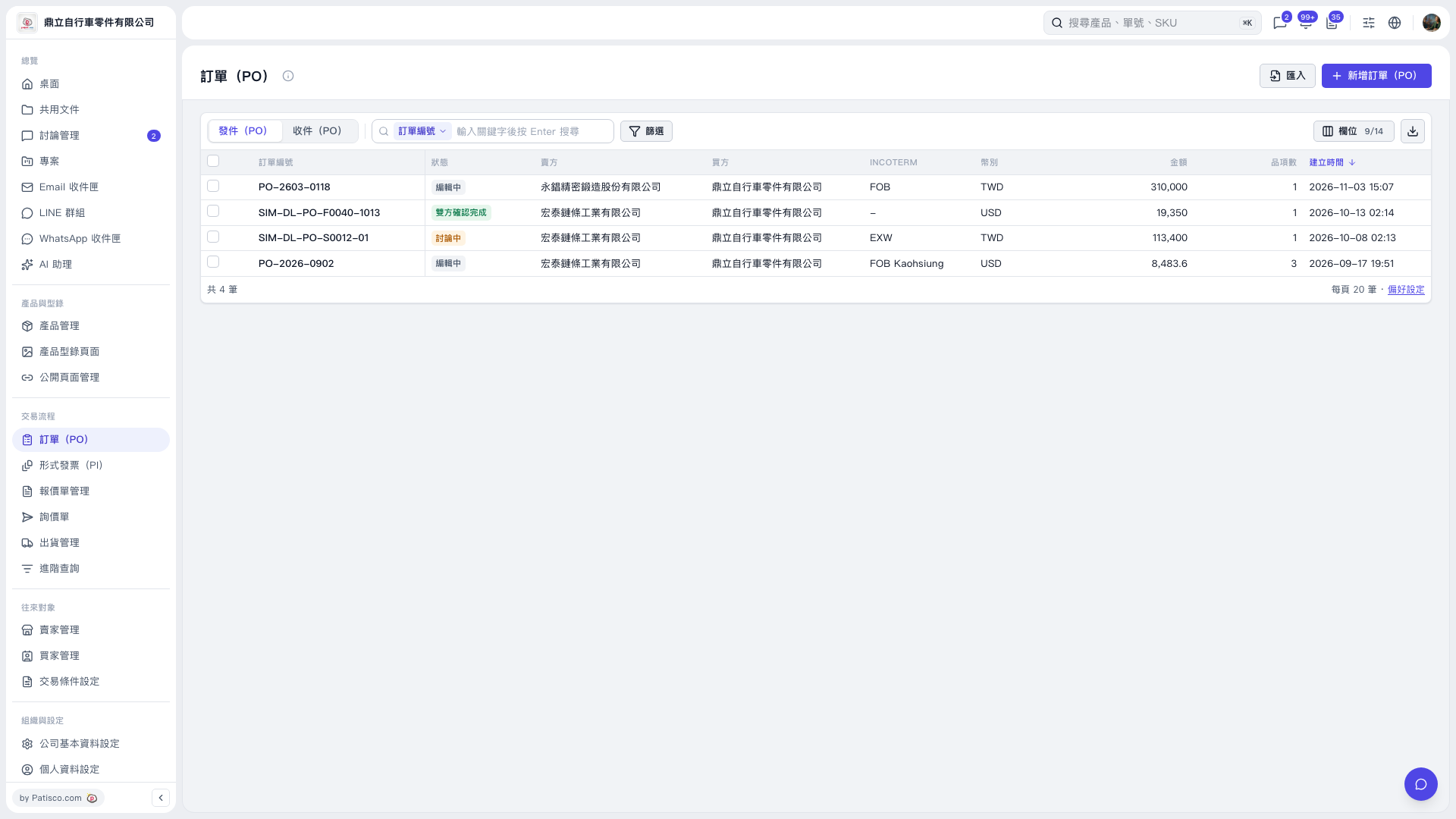
1. Above the list on the “PO” page, click “Sent (PO)” or “Received (PO)” to view the corresponding POs. 2. Select the field to search in the search field selector, which currently displays “PO Number”. 3. Enter a keyword in “Enter a keyword and press Enter to search”, then press Enter. 4. To narrow your search, click “Filter” to the right of the search box and set the conditions.
 V5 新桌面版|訂單(PO)