
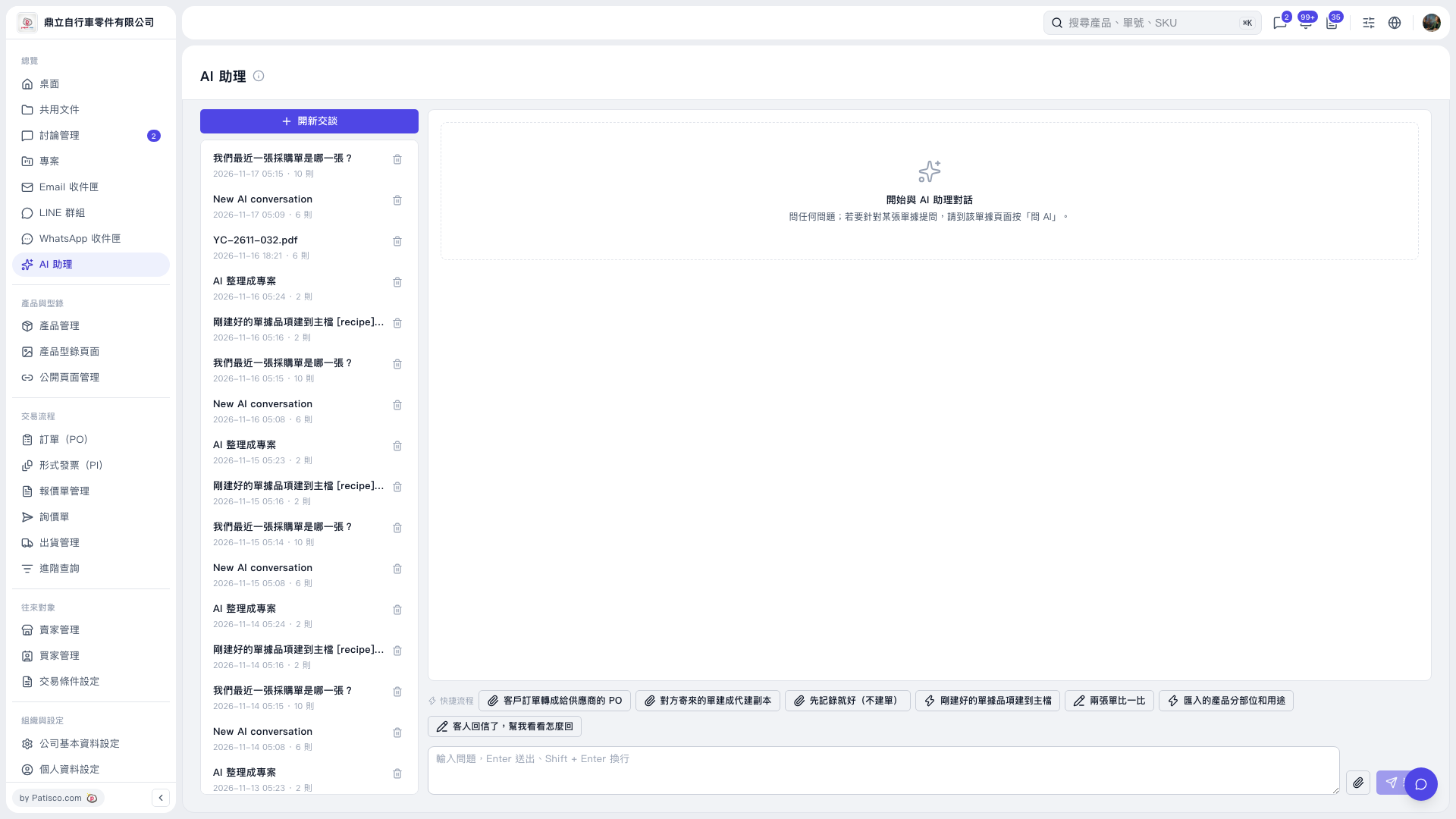
1. On the AI assistant page, find the quick workflow bar above the message input box. 2. Select the workflow you need: “Convert a customer PO into a PO for a supplier,” “Just record it (do not create a document),” “Add items from the document just created to the master data,” “Compare two documents,” “Classify imported products by part and use,” or “The customer replied—help me work out a response.” 3. Add details about your request in the message input box below. To attach a file, click the paperclip icon on the right. 4. Press Enter or click the paper airplane icon to send. Press Shift + Enter to insert a line break.
 V5 新桌面版|AI 助理