
1. Under “Catalog Settings” on the left, expand “Banner.” 2. Enable “Manual Image Switching (Show Left/Right Buttons)” so buyers can switch images using the left/right buttons or dots. This option is currently disabled, so the banner cycles through images automatically. 3. Check the preview on the right, then click “Upload Changes” to publish the update.
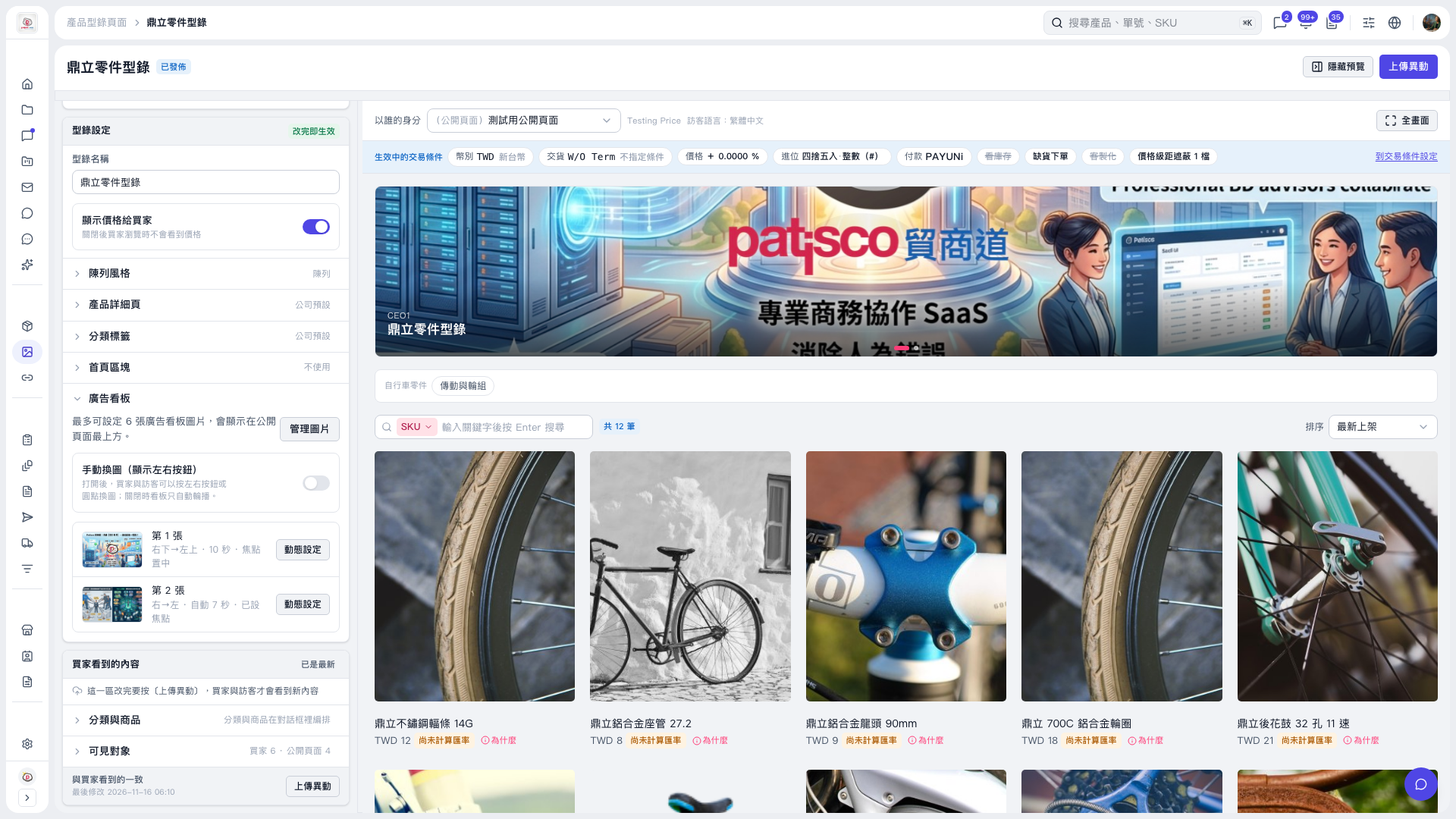 V5 新桌面版|鼎立零件型錄