
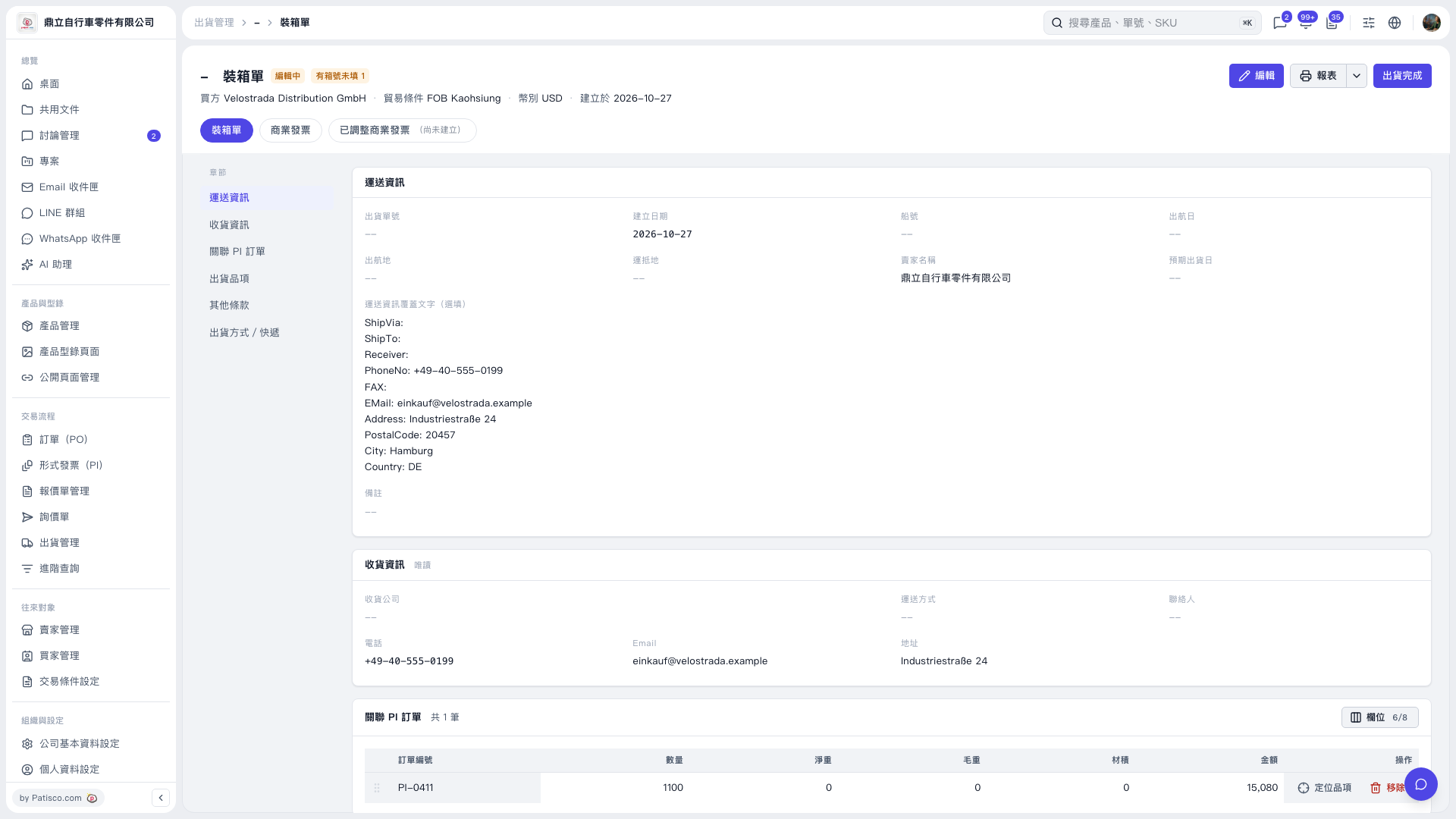
1. On the “Packing List” page, click “Edit” in the upper-right corner. 2. Use the “Shipment Items” section on the left to find the carton number information, check it, and fill in any missing carton numbers. The current screenshot does not show the actual carton number fields, so you need to open the edit screen to check them. 3. After filling in the missing information, save it using the save option provided on the edit screen, then check the packing details again.
 V5 新桌面版|裝箱單